How do I use Hot Lists across the application?
Account Hot Lists don't just live in a silo on their own tab. They integrate intelligently across the application to seamlessly fit into the field user's natural workflow.
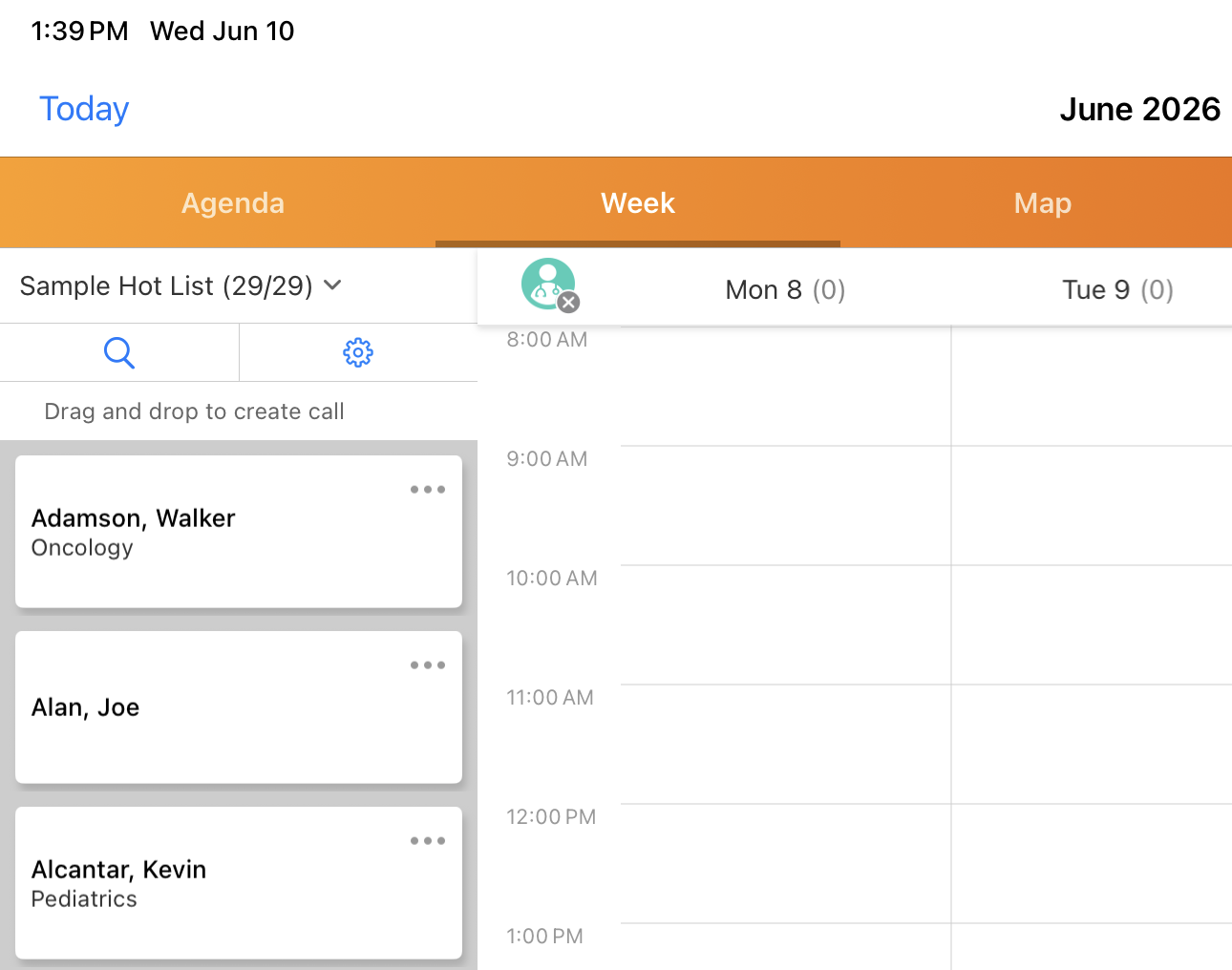
When field users are performing routine tasks in other modules, they can leverage their active Hot Lists just like standard Account Lists. Hot Lists display as selectable lists in the following areas:
-
My Schedule - When planning their week, users can easily pull up their Hot List and drag top-priority accounts directly into their calendar
-
Events Management (Attendee Selection) - When hosting a local event or webinar, users can use the Hot List to ensure they are inviting their highest-priority targets
-
Cycle Plans - Users can align their cycle plan routing directly with their Home Office-directed Hot Lists
-
Survey Targets - Quickly pull priority accounts to gather specific market feedback
While Hot Lists behave like standard lists in these areas, their read-only nature remains intact. If a feature typically includes an Add to List button, users will not be able to add new accounts to a Hot List.