Can I personalize a template by adding a profile?
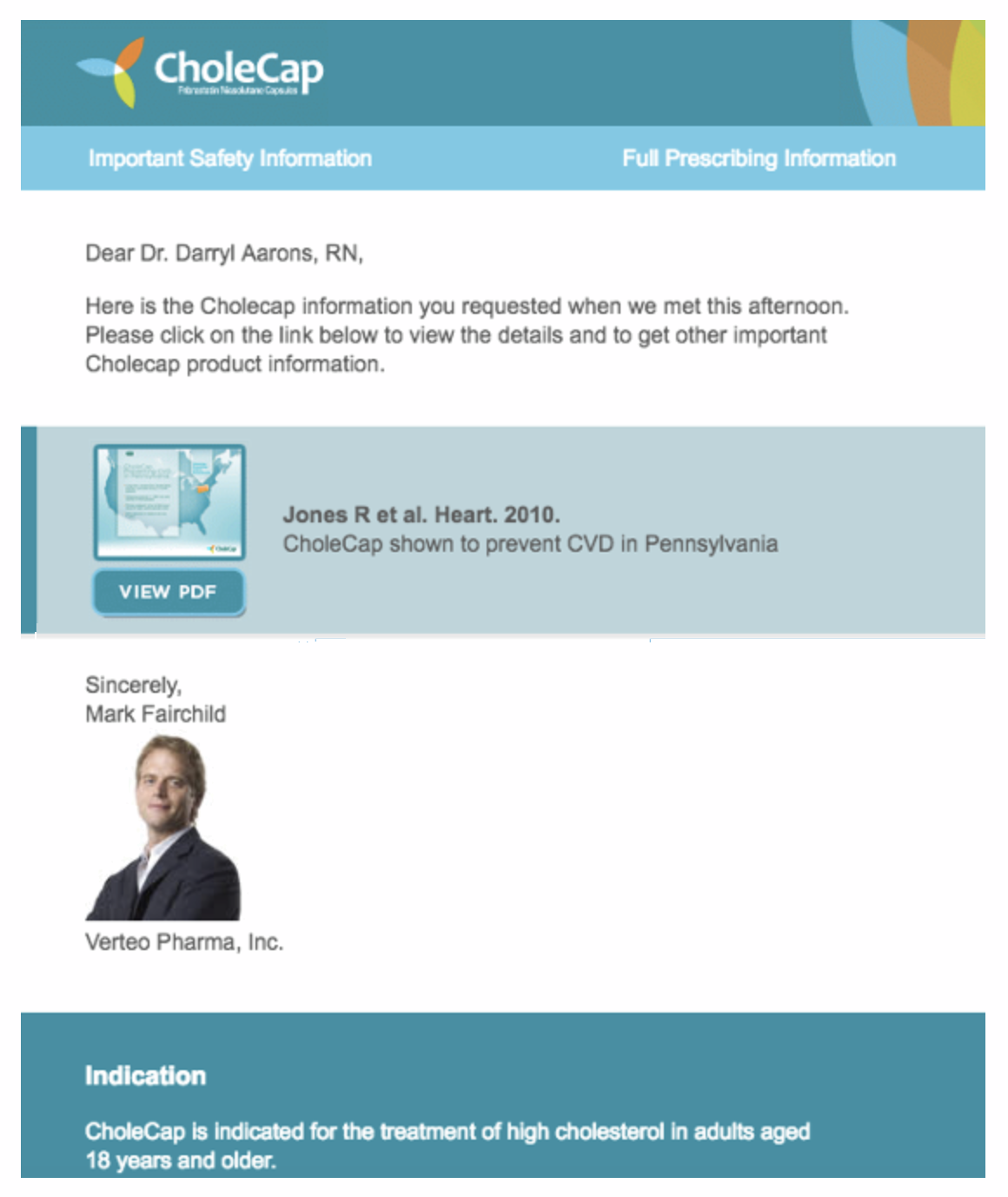
Email recipients are more likely to read a message when it is from someone they know. BEE allows you to insert tokens for profile information, such as a photo and contact details, into your templates. In the published emails, the tokens are replaced with the photo and contact details of the user who sends the message. Including this information helps build relationships with your clients and establish trust for your messaging.
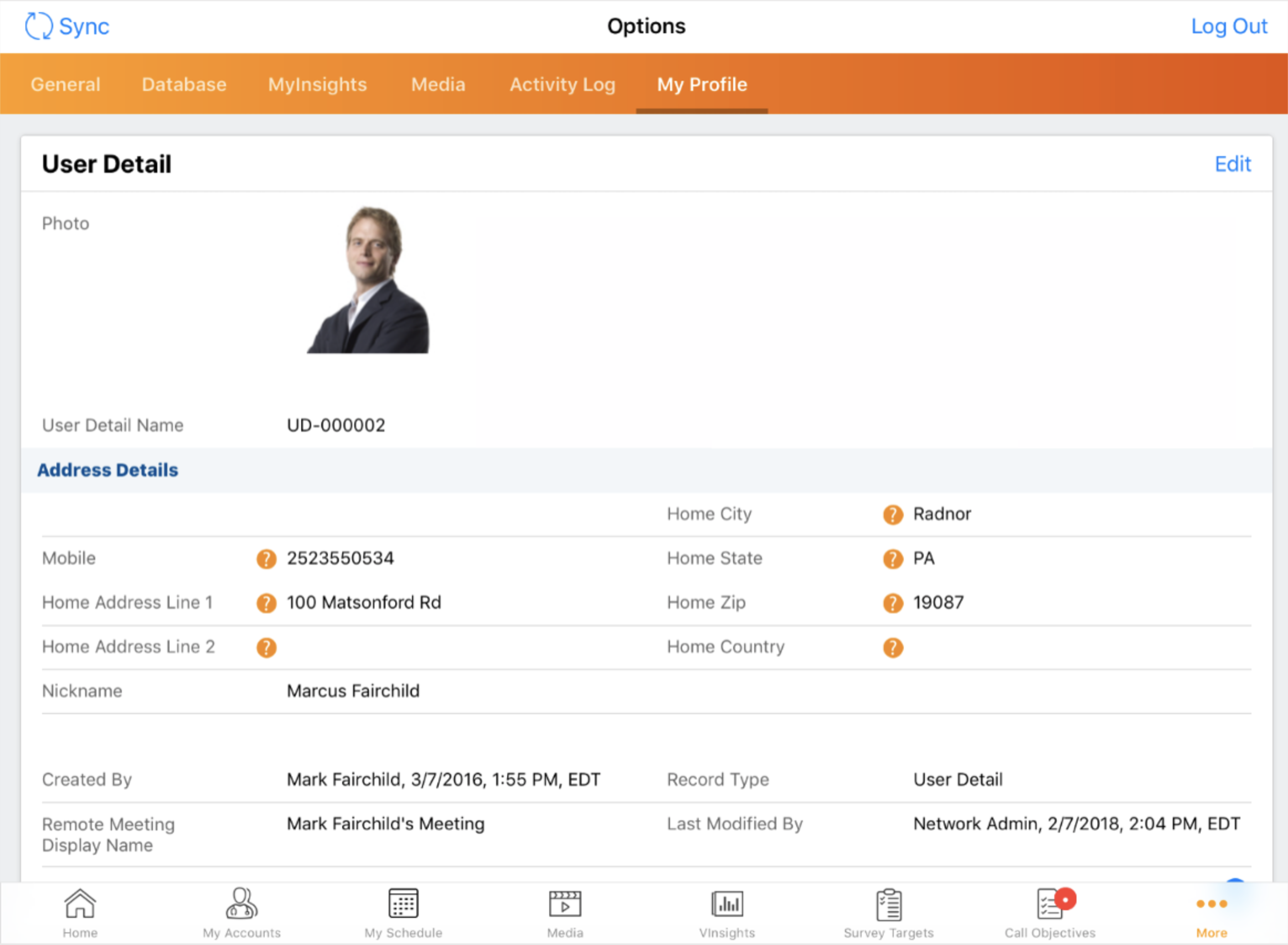
To add a photo token to your template, first verify that your users have photos stored in the user_detail__v object in Vault CRM.

|
For more information on adding personal information to profiles in Vault CRM, see Personalizing User Profiles. |
Then, insert the {{userPhoto}} token into the template where you want to display the photo. When an email recipient opens a message based on the template, they will see the photo of the sender.
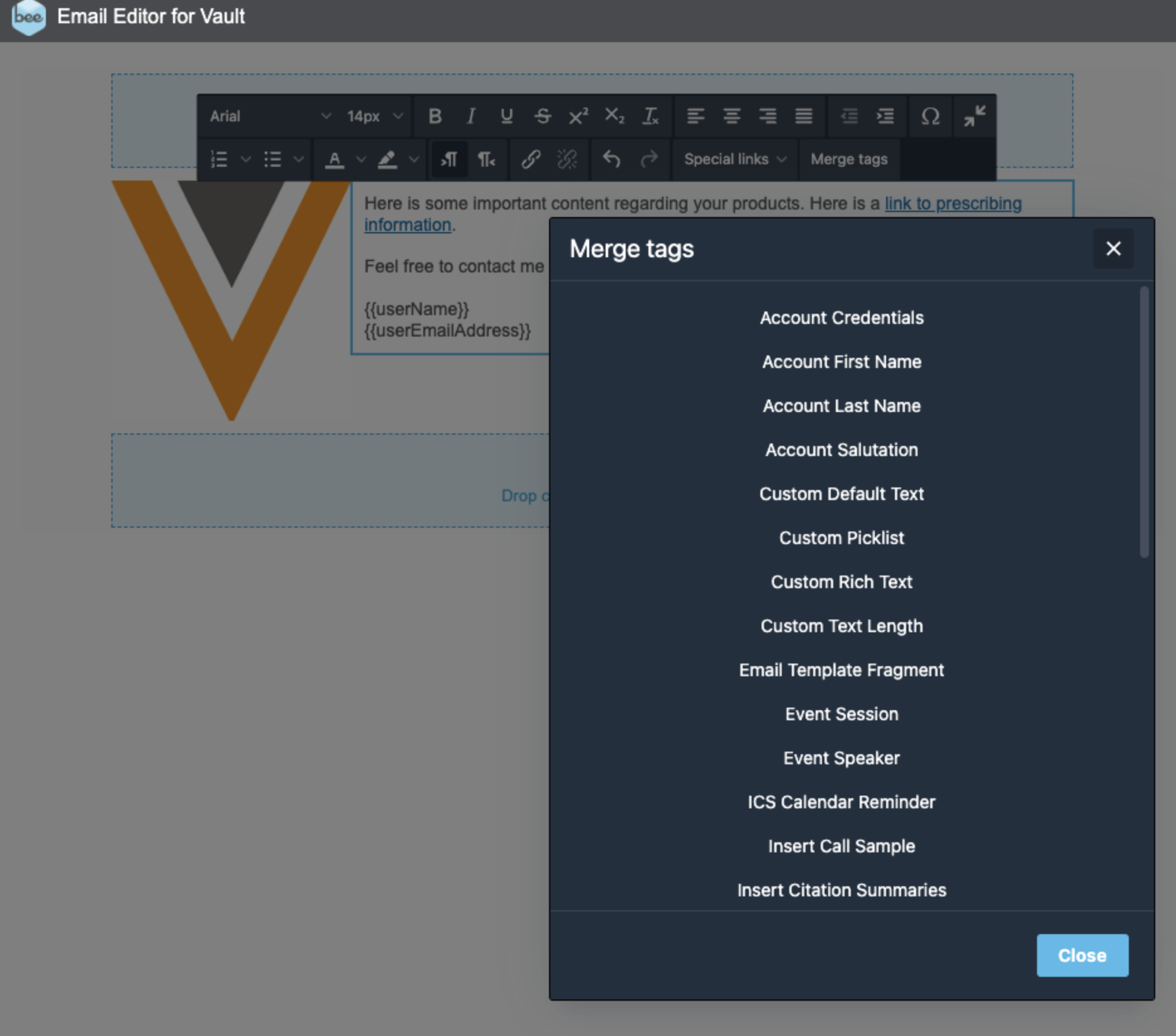
You can type the token text, or use the Merge tags menu to insert tokens into your template, for example {{userName}} and {{user__sys.phone__v}}.