How can I preview templates before publishing them for my team?
When you create templates with BEE, you can preview them in PromoMats/MedComms before making them available to your team. PromoMats/MedComms generates up to 25 previews per month.
Approved Email content is delivered in HTML format. Therefore, it can render differently depending on the recipient's device. The preview shows how your template will look on a variety of devices so you can feel confident your messages will be presented in a way that reflects positively on your organization.
To preview an Approved Email template:
-
Select and open the Approved Email template from the Library tab.
-
Select the All Actions menu in the top-right.
-
Select View Email Preview.
-
Select the device to preview the device-specific template.
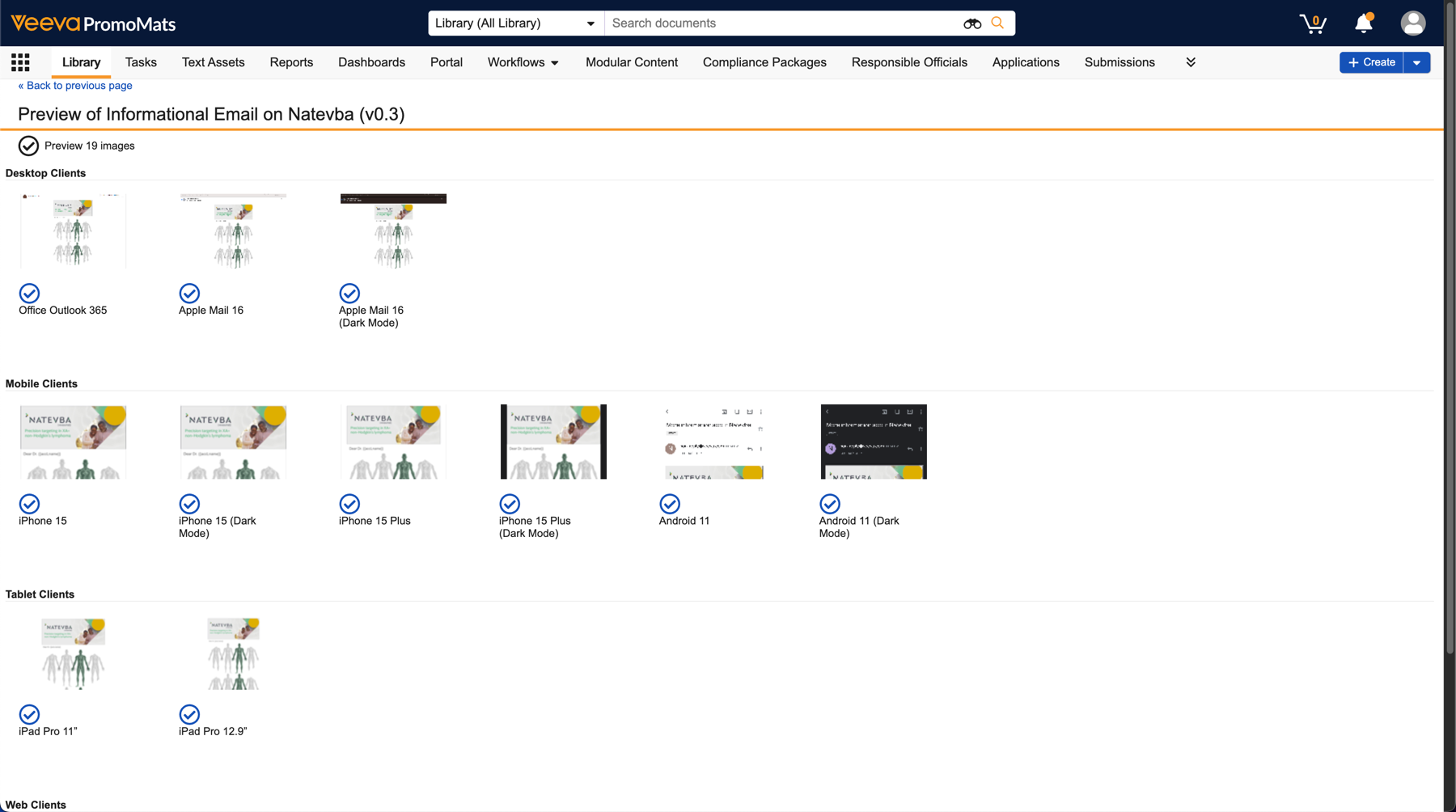

|
For more information on supported devices/clients, see Supported Email Clients. |