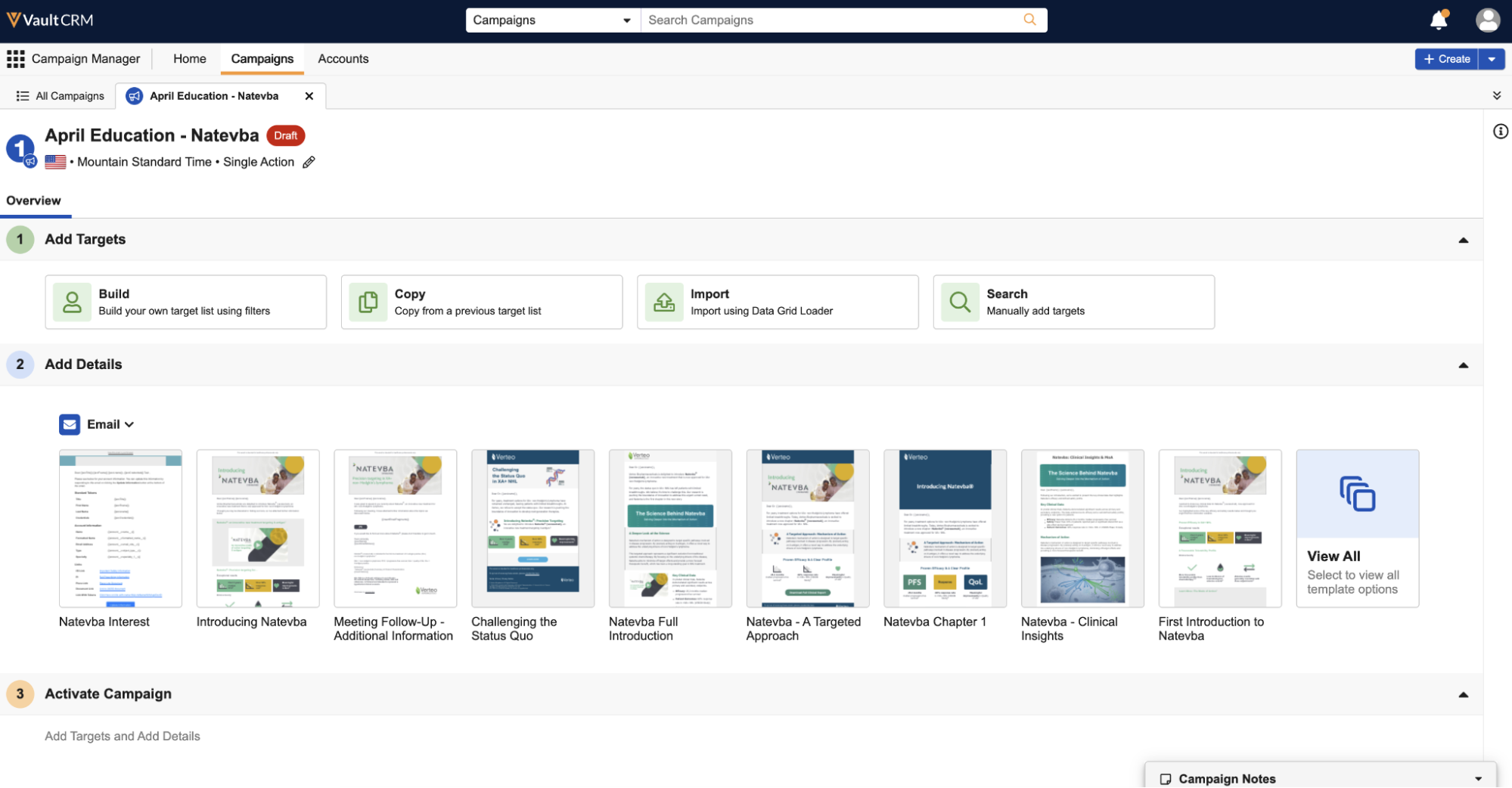
How do I choose between a campaign and a journey?
Campaign Manager lets you build two kinds of outreach: a campaign or a journey.
- A campaign works from a fixed target list. You decide who you want to reach, build that list, and the campaign goes out to those people. It's well suited to a defined moment in time. A campaign always needs a defined target list before it can be activated or scheduled for activation.
- A journey is an active, long-running program that you can keep adding new targets to over time. Rather than rebuild your outreach repeatedly, you define the journey's channels and actions once, and the journey automatically processes newly added targets at a defined frequency.
Choosing the right one comes down to a simple question: Is this a one-time push, or an ongoing program?
To see the difference in action, consider Sarah, a field user. When she wants to announce new clinical data for Restolar to a specific group of cardiologists she's identified this quarter, she builds a campaign. But when she wants every newly eligible HCP to receive a welcome sequence about Cholecap the moment they qualify, she builds a journey instead, defining it once and letting it process new HCPs automatically each week.
Creating campaigns and journeys
Creating either a campaign or journey follows nearly identical steps:
-
Navigate to Campaign Manager > Home.
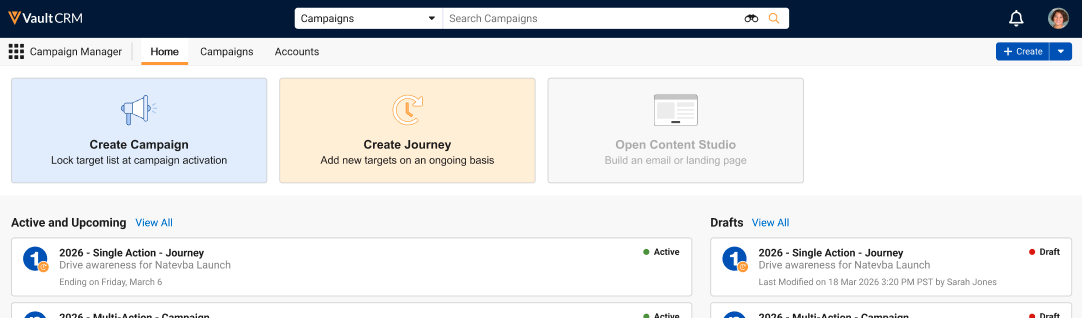
- Select the Create Campaign or Create Journey tile.
- Enter the appropriate name.
- Select a template.
- Select the appropriate template and name.
- Select Create Campaign or Create Journey.
Details like the owner, country, and time zone populate automatically, and the new campaign or journey opens in a console view you can return to anytime.