How do I organize access with Teams?
Content Studio uses Teams to control who can see and edit which content. Teams are arranged in a hierarchy, and that hierarchy governs access across the whole workspace.
Every Content Studio domain begins with a single Global Team sitting at the top of the hierarchy. The Global Team cannot be deleted, though an admin can rename it, and every Content Studio admin is automatically assigned to it. From there, admins build the structure downward:
- Select New Team.
- Enter a unique name for the Team.
- Select the appropriate Parent Team. Up to five hierarchy levels are supported.
- Select Save.
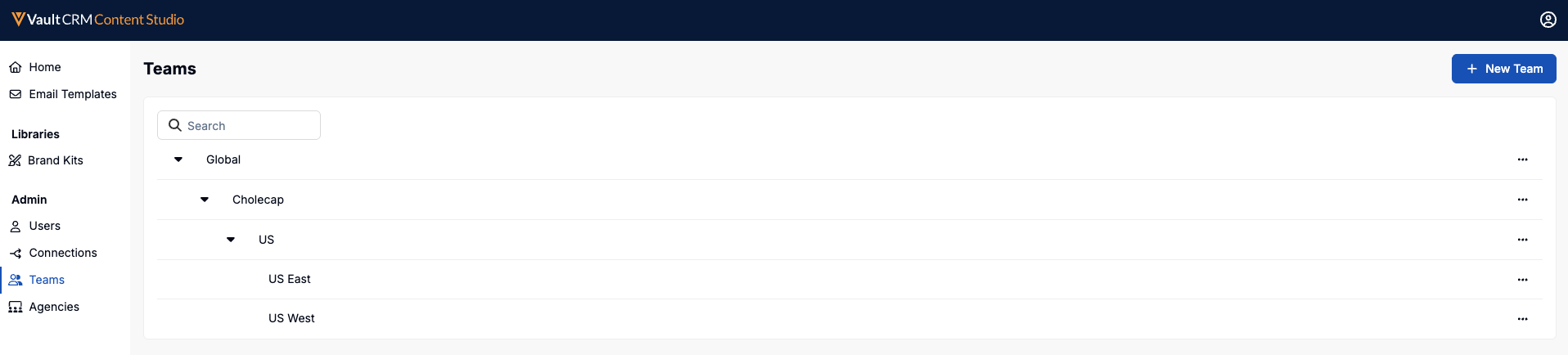
Each user belongs to exactly one Team, and that assignment grants read and edit access to items on their own Team and every Team beneath it.