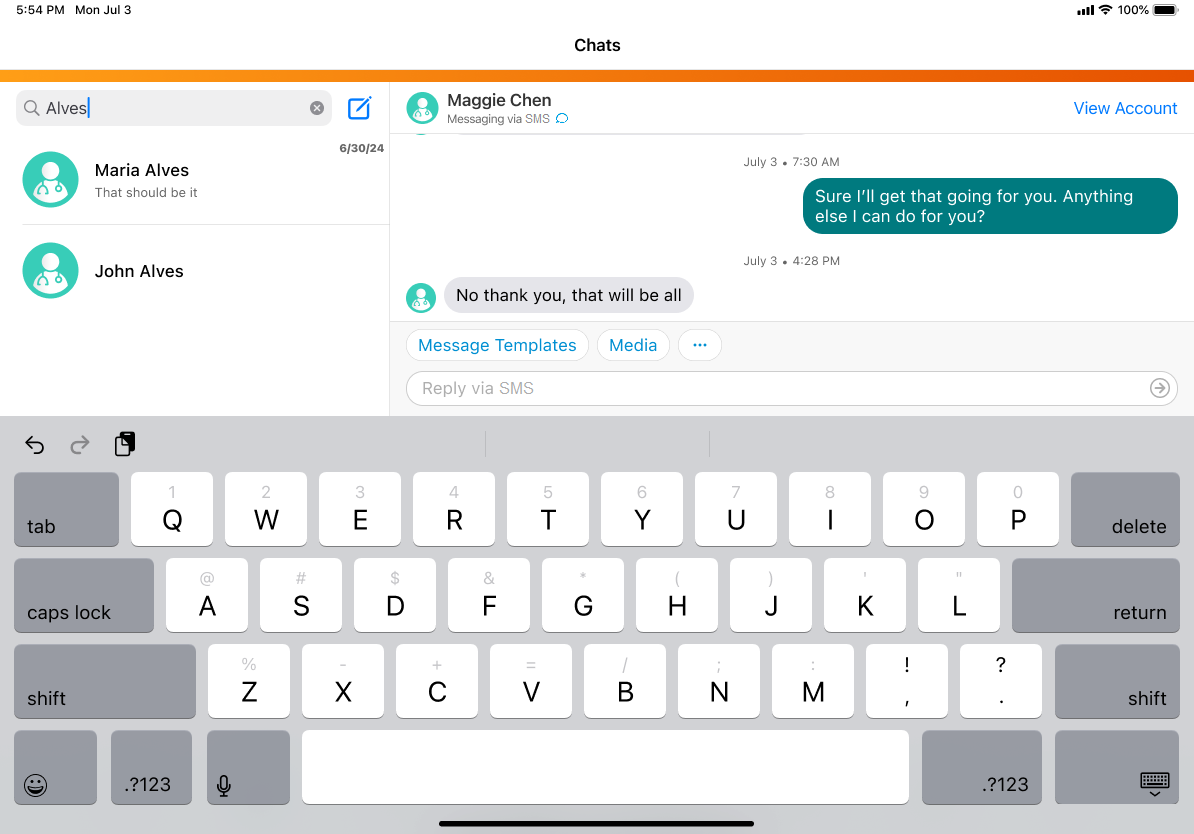
Where do I access chat?
Let’s say you’re a field user, preparing for an upcoming meeting at Newton Memorial Hospital regarding Natevba. Open the Vault CRM application and navigate to the Chats tab. To start a conversation with an HCP, like Dr. Maggie Chen, select the Compose Chat icon. Because Dr. Chen has an active territory record and a valid phone number populated in her sms_v field, her account displays as eligible for messaging.
Upon opening the thread, the header displays a "Messaging via SMS" label along with a standard SMS icon. Enter your text into the input box at the bottom of the screen. For example, you type a brief introduction under the 1,500-character limit.

|
If you navigate away to view Dr. Maggie Chen's account details, Vault CRM retains your unsent text so you can resume composing the message when she returns. |