How can I send pre-approved templates and trackable CLM links?
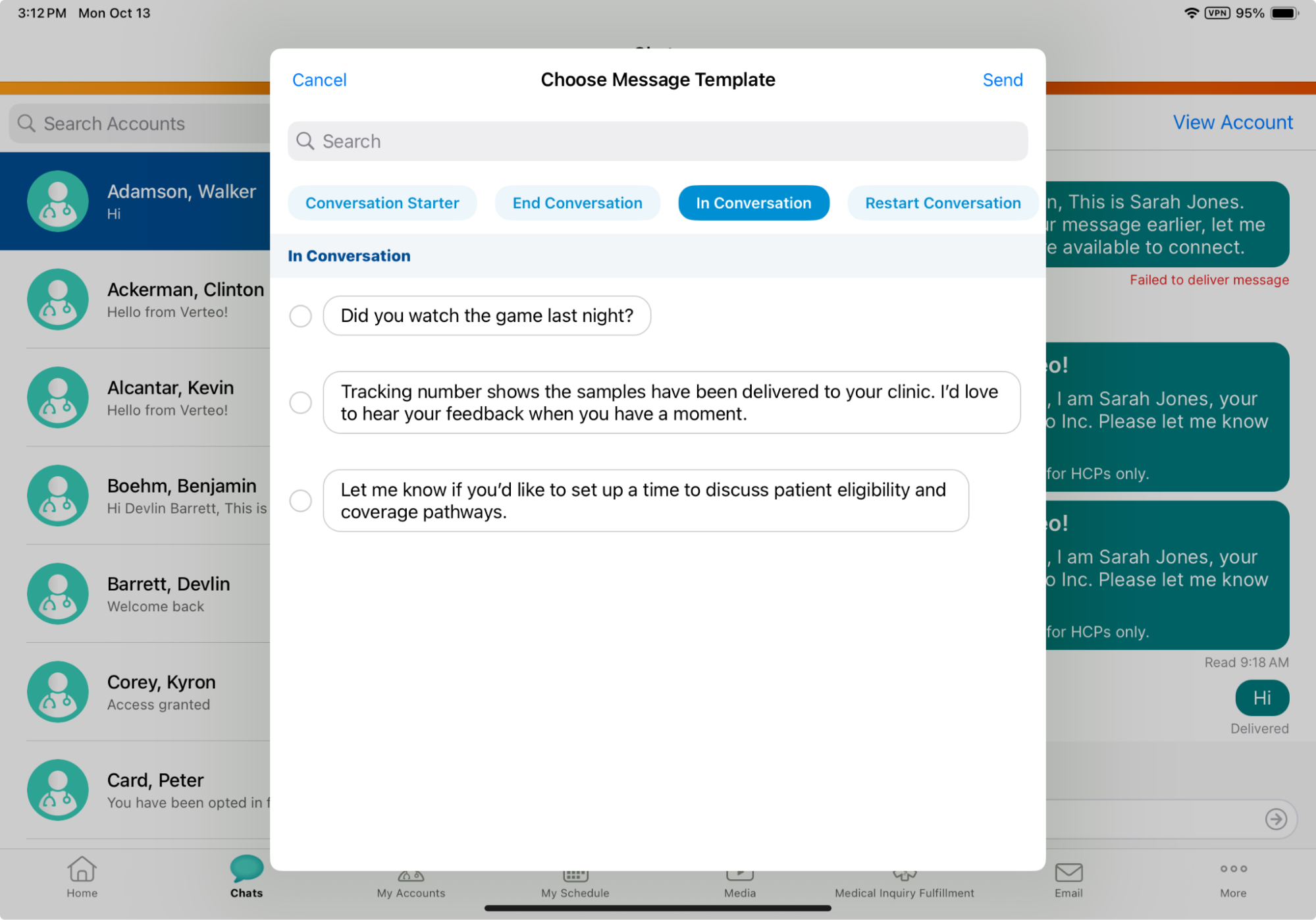
Next, you want to follow up with an HCP at Newton Memorial Hospital about Cholecap using approved materials. Inside the chat thread, you select the Message Templates button. An list of text-only templates displays, automatically filtering out any templates linked to restricted products matching the HCP’s profile. Select a template. The placeholders in the template (for example, {{1}}) automatically resolve to display actual account details.
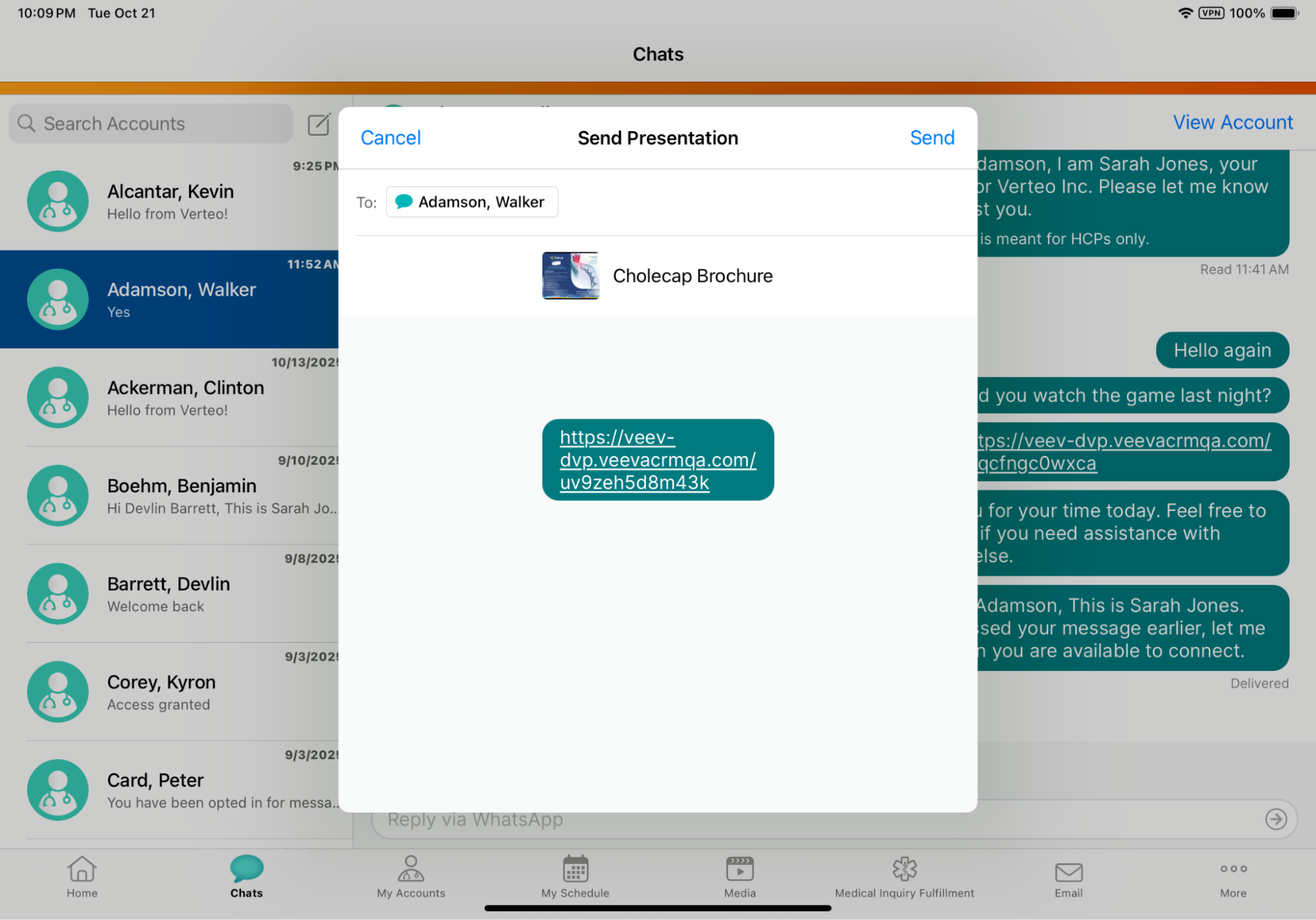
To share interactive media, select the Media pill to launch the CLM Media Library. Select the Cholecap presentation, which has the share_as_engage_link_v option enabled.
Choose "No Message" to accompany the media link, review the resolved shortened veev.io link on the preview screen, and select Send.
Vault CRM automatically logs this CLM presentation share directly to the HCP’s Account Timeline. (Free text messages and messages based on text-only templates are excluded from the Account Timeline, but are tracked in standard reports.)