How does an HCP request a meeting with you?
The following week, the HCP opens the appointment booking site with the link that he previously received from you via email.
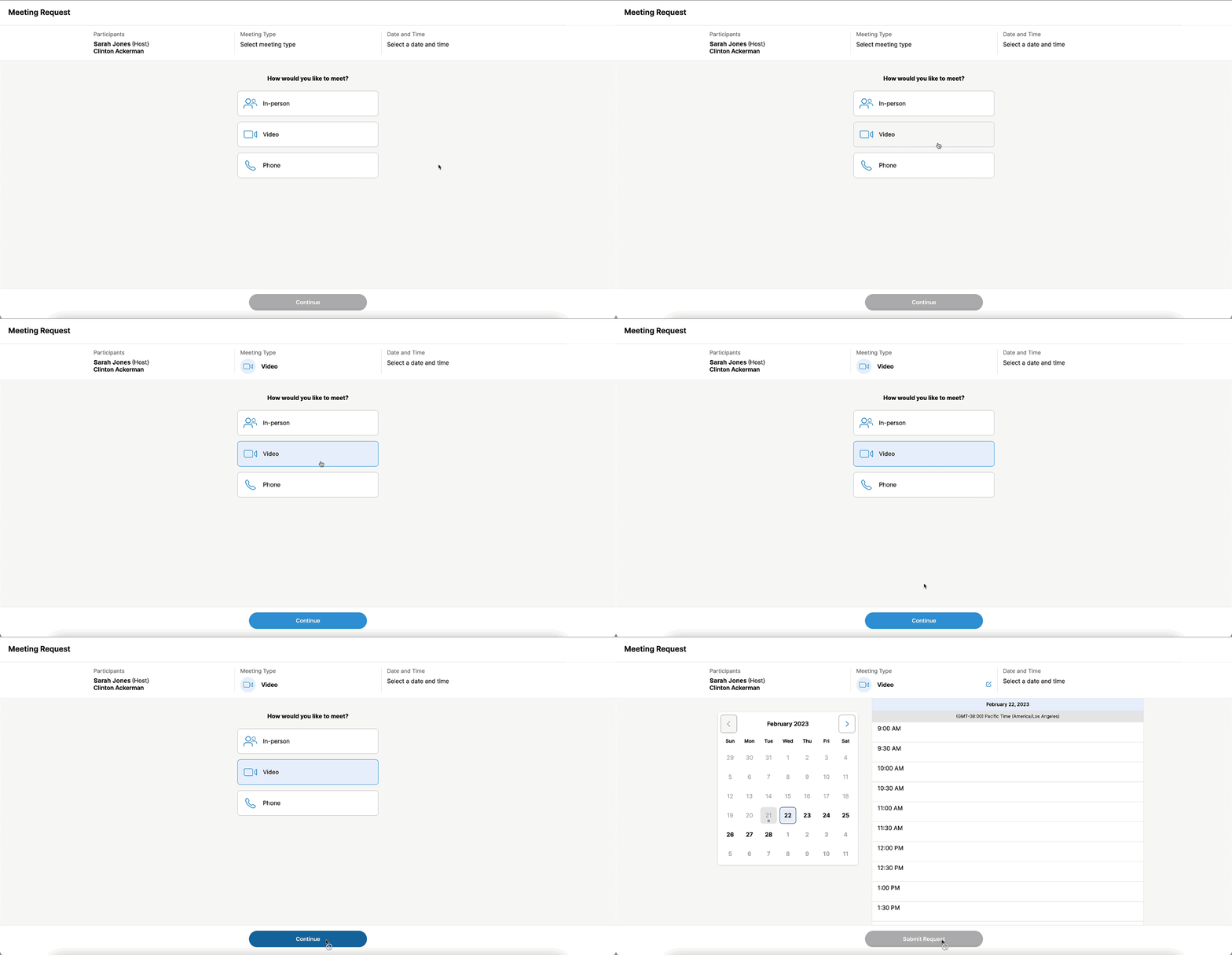
He wants to request a follow-up call with you to discuss the efficacy of a new product. He chooses Video as the call channel since he prefers the convenience of a remote meeting, but he sees that you have completely blocked off March 20 through March 24 as unavailable. Since he can’t click on any of those days, he moves to the following week.
After comparing his own schedule to yours, the HCP picks the 2:30 PM time slot for Monday, March 27, and submits the meeting request.
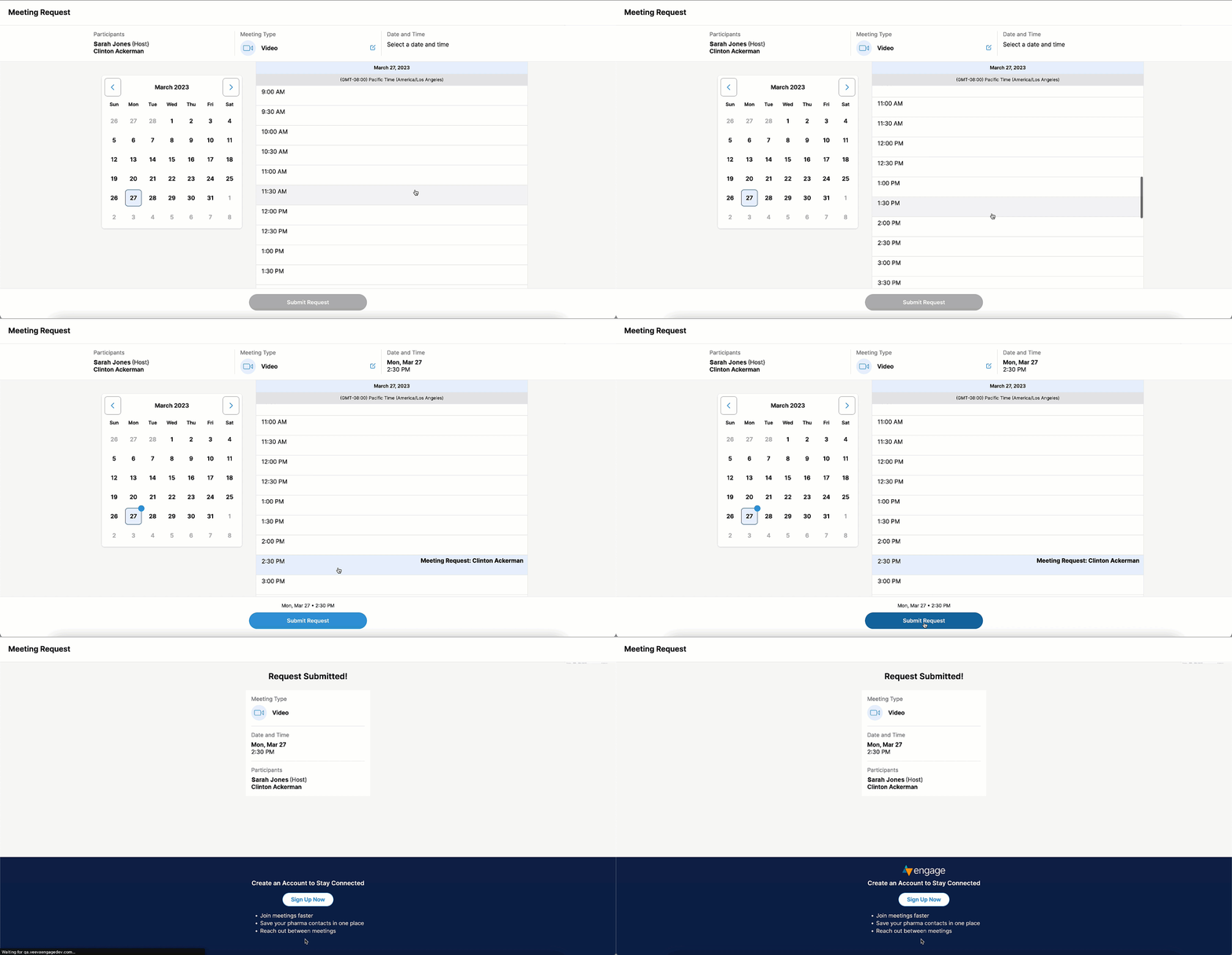
The HCP receives a confirmation email containing the details for their submitted meeting request.
Things to Consider

|
|