How do you respond to a meeting request?
Let's say that an HCP requested a 30-minute video meeting with you at 2:30 PM the next Monday, fitting perfectly into your schedule.
You open My Schedule in Vault CRM to respond to the appointment booking request.
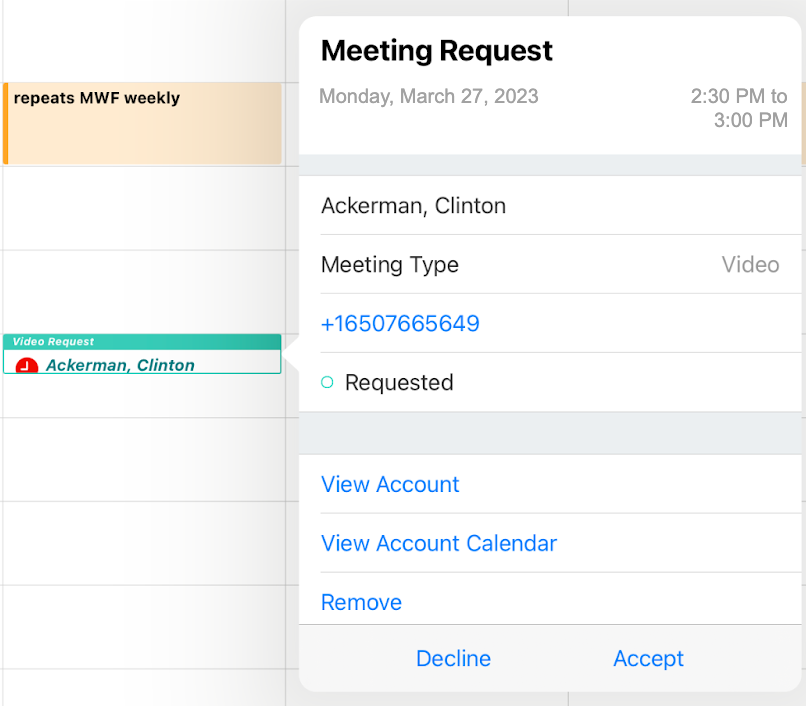
You tap the HCP's appointment booking request and accept it. The accepted request automatically becomes a planned call. A confirmation email is automatically sent to the HCP.
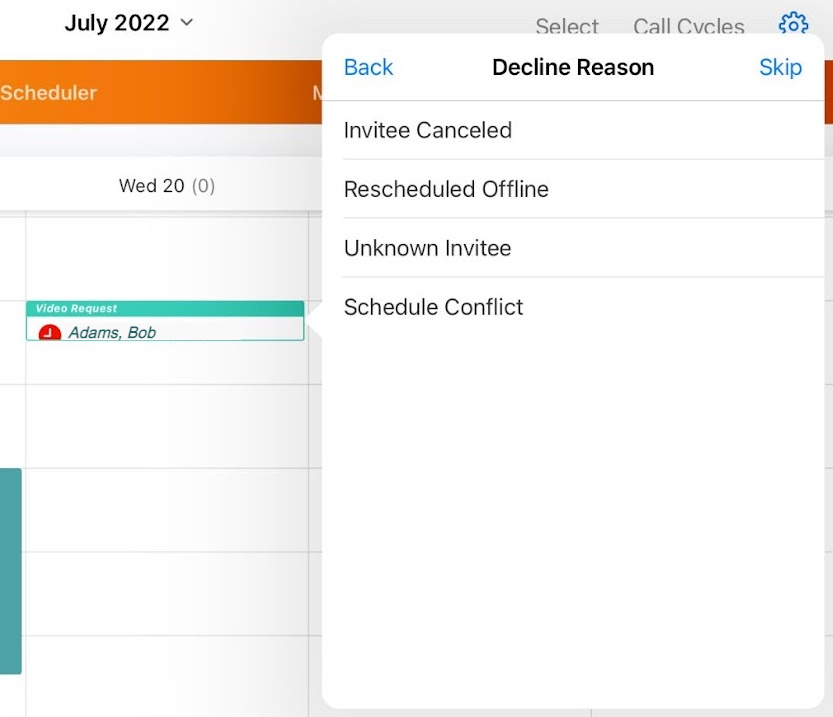
You then notice that another HCP requested an appointment with you the following afternoon. Unfortunately, you have to attend a work event that afternoon, so you decline the request, picking Schedule Conflict as the reason. Since HCPs don’t automatically receive a confirmation email when meeting requests are declined, you plan to follow up with him at a later date.