What are message templates and how are they used?
Message templates are pre-approved standardized messages that allow field users to communicate compliantly with HCPs throughout the conversation window.
In WhatsApp Business Messaging, messages templates serve two distinct purposes:
-
Start or restart conversations with HCPs via Meta-approved templates. These message templates must be approved by Meta.
-
Respond to HCPs during the rolling 24-hour window, which we’ll cover in the next page. These include Text Only and CLM-specific message templates, and are managed entirely in Vault CRM.
Let’s follow a field user at Verteo Biopharma to see how they use templates. Meta-approved and Text Only message templates are specific to WhatsApp Business Messaging, so let’s focus on them. We’ll look at CLM-specific message templates later in the Flightpath.
Meta-approved templates
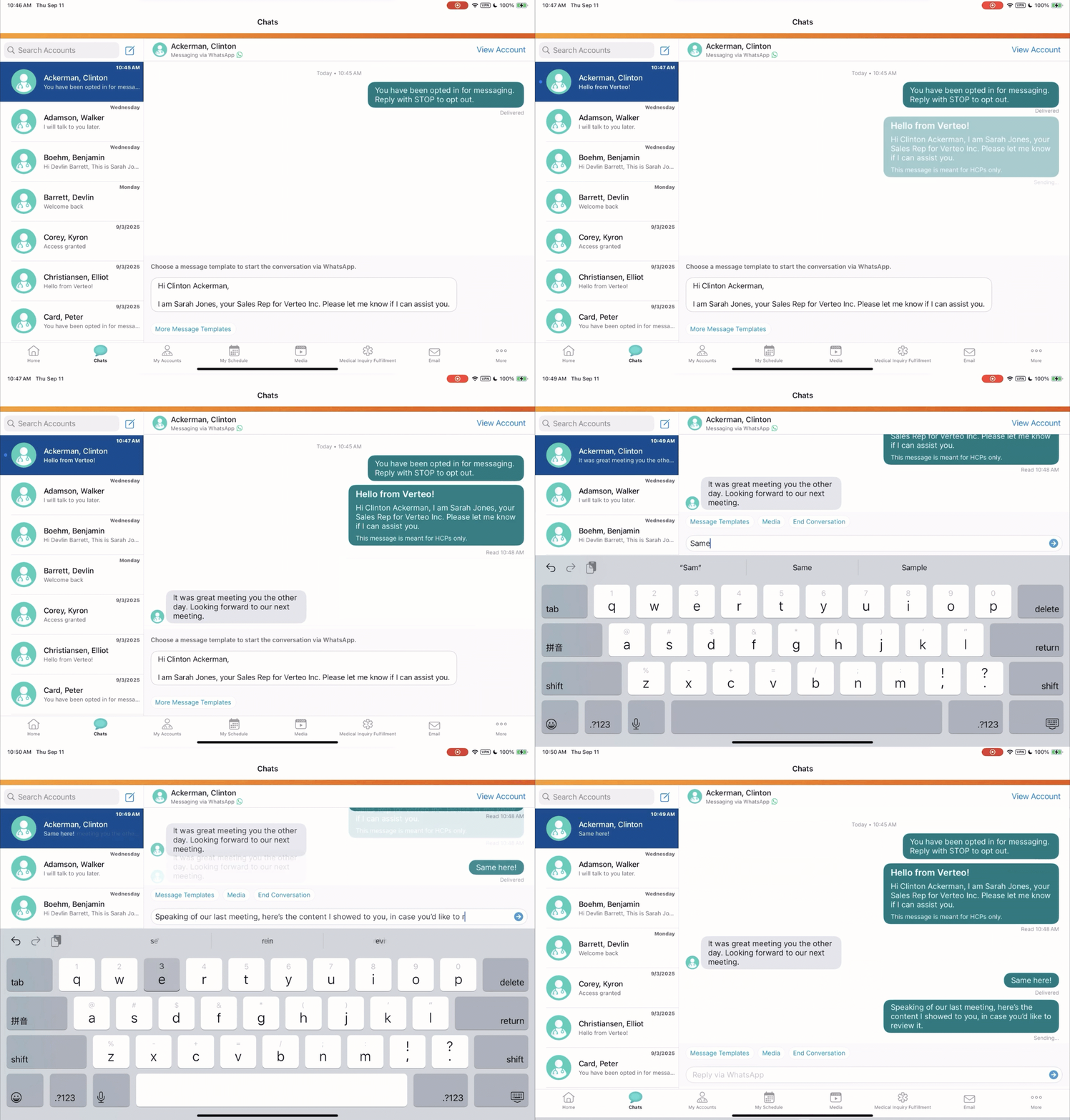
Verteo’s field user, Sarah, is reaching out to Dr. Ackerman via WhatsApp Business Messaging for the first time. Sarah selects from a list of Meta-approved message templates to begin their chat. After Dr. Ackerman replies, the 24-hour window opens and Sarah can freely chat without being limited to templates.

|
Meta-approved templates are managed via the WhatsApp Business Account and must be submitted to Meta for approval. Learn how to create Meta-approved templates for WhatsApp Business Messaging. |
Text Only message templates
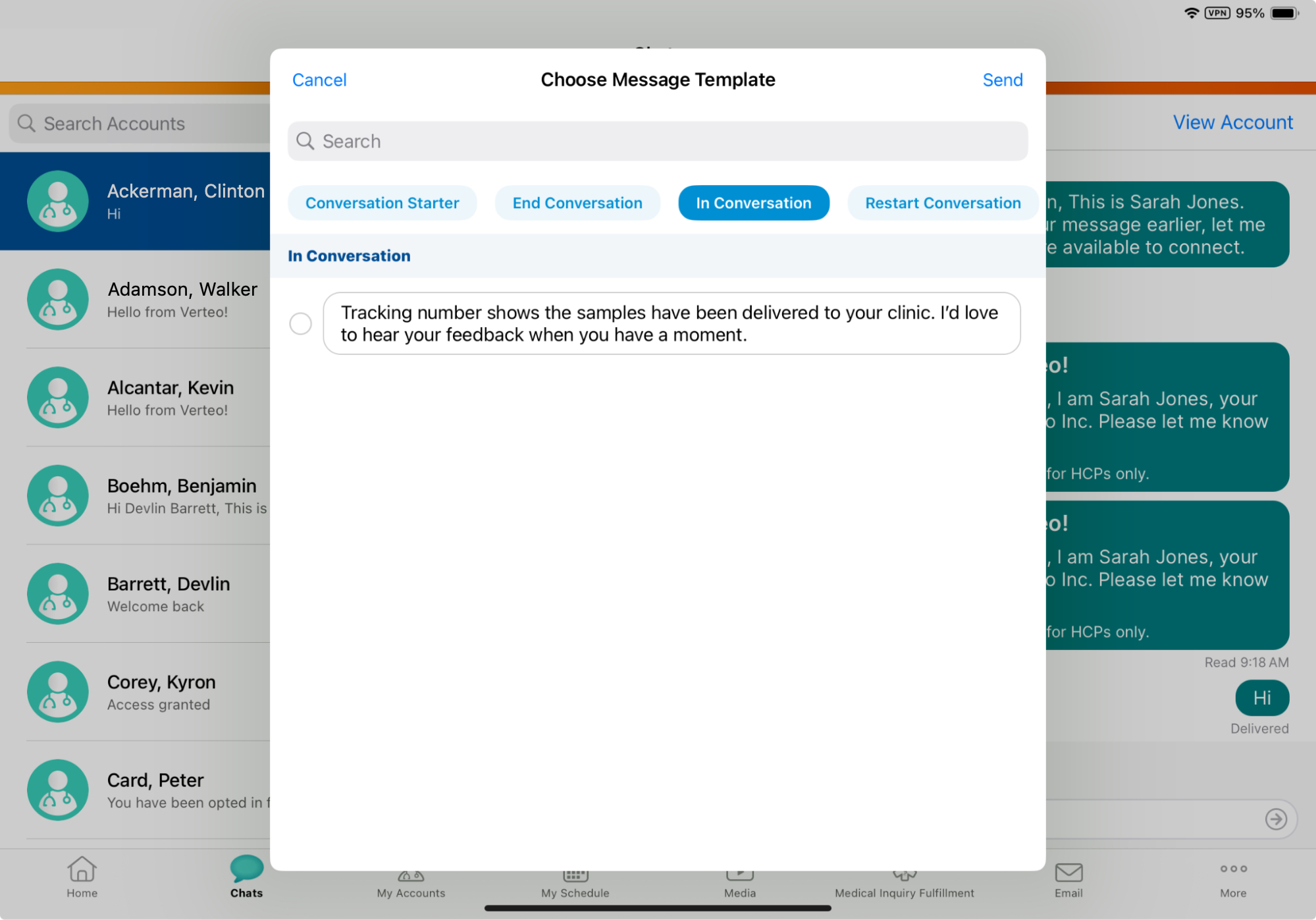
To continue our scenario, Dr. Ackerman replies to Sarah and opens the 24-hour window. Dr. Ackerman asks about the status of samples requested earlier. Sarah checks her CRM dashboard to confirm that the samples were delivered to Dr. Ackerman's clinic this morning.
While the 24-hour window is open, Sarah selects and sends the following Text Only template.