How do I reconcile self registrants to existing accounts?
To reconcile self registrants to existing accounts in Vault CRM, you must match them manually before they can be approved for the event. Don’t worry, this is easy to do!
- Navigate to the Attendee Reconciliation page within the specific event.
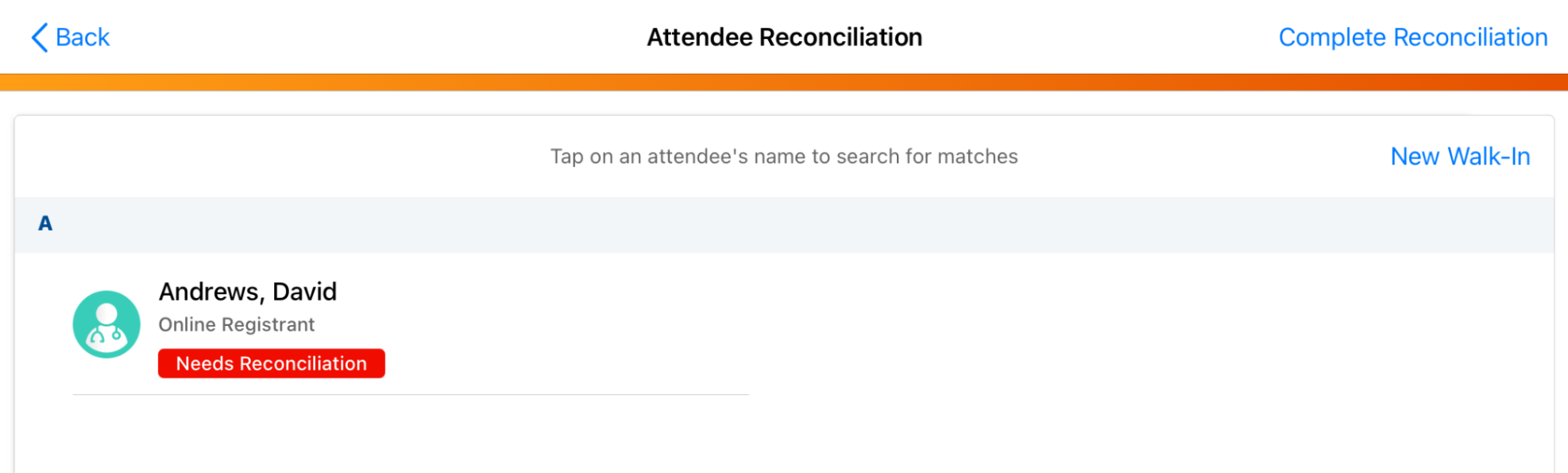
- Select the open registrant you want to reconcile.
- Search for the appropriate matching account.
- Select Confirm Match to link the registrant to the account.
|
|
Similar to searching for attendees outside your territory, your admin may have configured filters that restrict your search results to specific account types or accounts within specific countries. |

|
|
If your event requires approval for open registrants, you must successfully reconcile them to an existing account before you can update their status to approved. |