How can I use CLM with Orders?
Vault CRM allows field users to initiate and manage orders without leaving their CLM (Closed Loop Marketing) digital sales presentations. This lets field users move seamlessly from a product presentation to a sales transaction, and ensures sales momentum is maintained by allowing users to capture customer interest the moment it is expressed during a detailing session. Users can also access sales material during the order placement process by launching a CLM Presentation directly from an Order.
How do I create an order during a presentation?
To start an order while presenting to an account:
- Open a CLM presentation for a specific account or from a Call Report.
- Select the All Actions menu (or the three-dot menu) within the CLM media player.
- Select Create Order to open the Order Management interface.
- Enter the commercial condition values for the Order and quantities for the desired items.
- Select Done to minimize the order and continue your presentation. You can return to the order at any time by selecting the Shopping Cart icon or the Review Order action.

Can I start a CLM Presentation from an order?
Yes! The integration works both ways. If you are already in the process of creating an order and need to show the customer more information about a specific SKU:
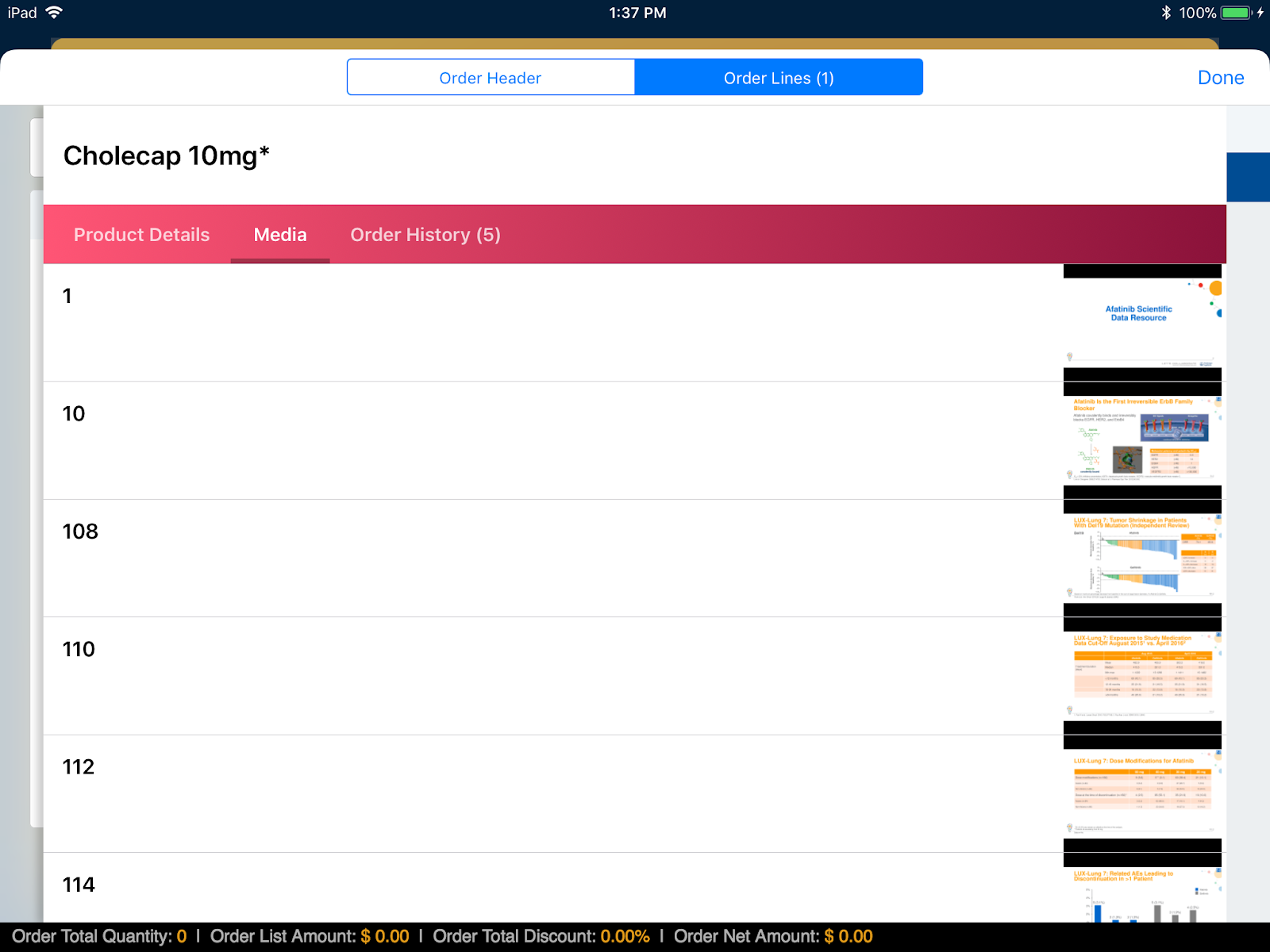
- Select the Information (i) icon next to a product on the Order Lines page. If there are CLM slides available for that product, a Media tab displays.
- Select the Media tab.
- Select a media thumbnail to launch that specific slide in the media player. Once finished, close the player to return exactly where you left off in the order.