How do I decide what metrics to display?
Brand managers can add, remove, and update the information they want their sales reps to gather from their accounts. Users need these metrics and data at their fingertips to boost their sales in all territories. Brand managers can configure the Product Metrics section on the Account Profile to display product-specific attributes, such as deciles, target, and segment, for an account.
Updating product metric configurations
Brand managers can control the product metrics they want their users to see and update for their accounts.
The Metric Configuration tab is where you can control what displays to your end users.
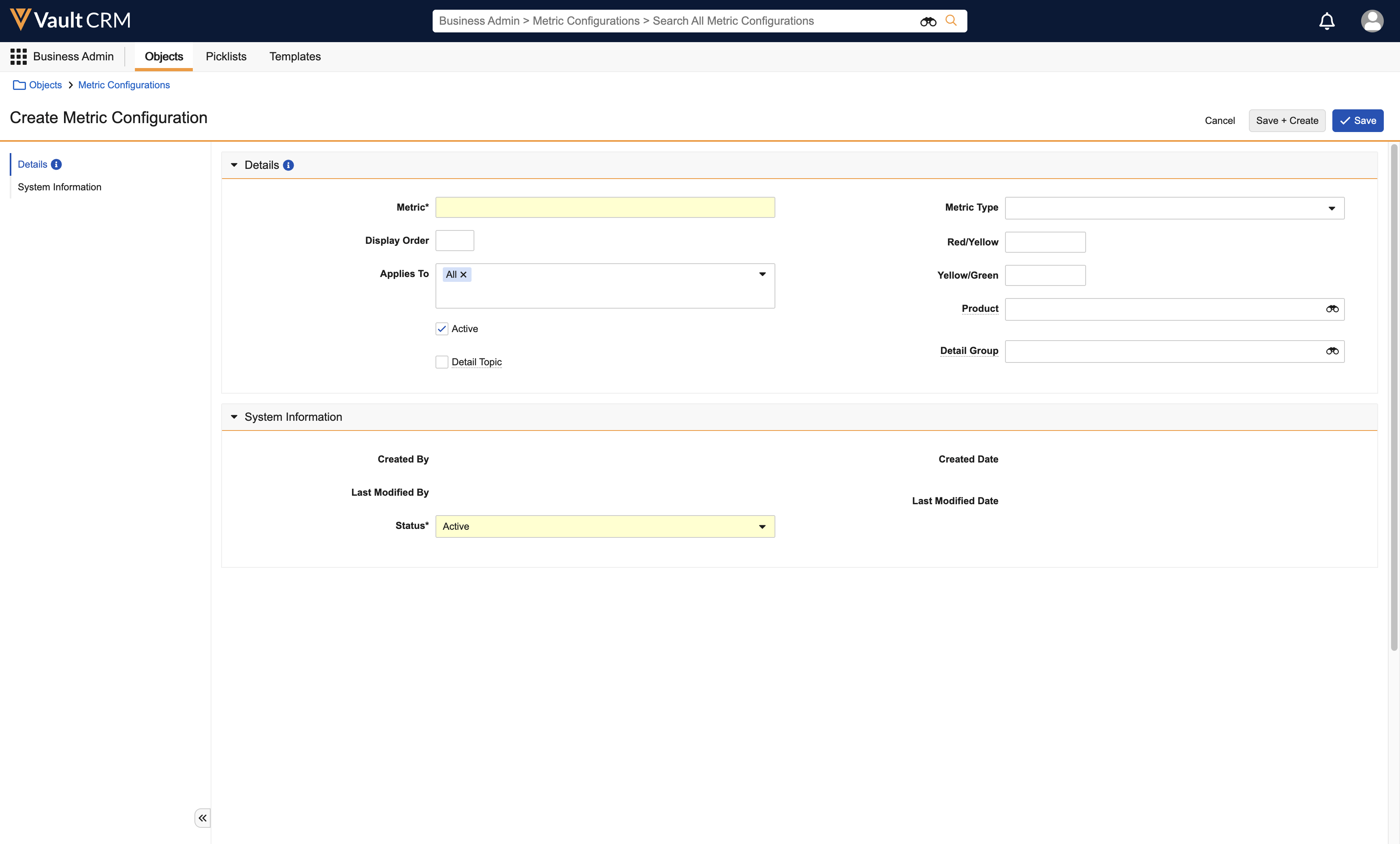
Displaying product metrics by role
To ensure the most relevant data displays, Product Metrics can be tailored by Account profile and role.
For example, you may want to make the Awareness, Segment, and Movement Product Metrics available only for specialty sales reps. And you want to expose three additional Product Metrics to MSLs, such as Speaker Skill, Investigator Readiness, and Engagements. Finally, you want a third set of Products Metrics visible only to the Managed Markets team, which would track Selling Stag, Formulary Status, and moving 12 month TRx Chg.