Congrats!
You've learned all about Product Metrics, including how sales reps can use them to prepare for HCP meetings, how you can find qualified speakers for your products, and how product metrics can help your company move HCPs further along in their product acceptance journey.
Learn more about Product Metrics
You might be interested in learning more about enabling and using the features for Product Metrics in CRM. You can start here:
- Enabling Product Metrics for Account Profiles
- Creating Product-Specific Metric Configurations
- Using Product Metrics with Detail Groups and Detail Topics
Flight Simulator
Let’s practice! Now that you’ve learned how to use Product Metrics, try these exercises in your sandbox Vault CRM instance.
Challenge - Create a new metric configuration for one of your accounts
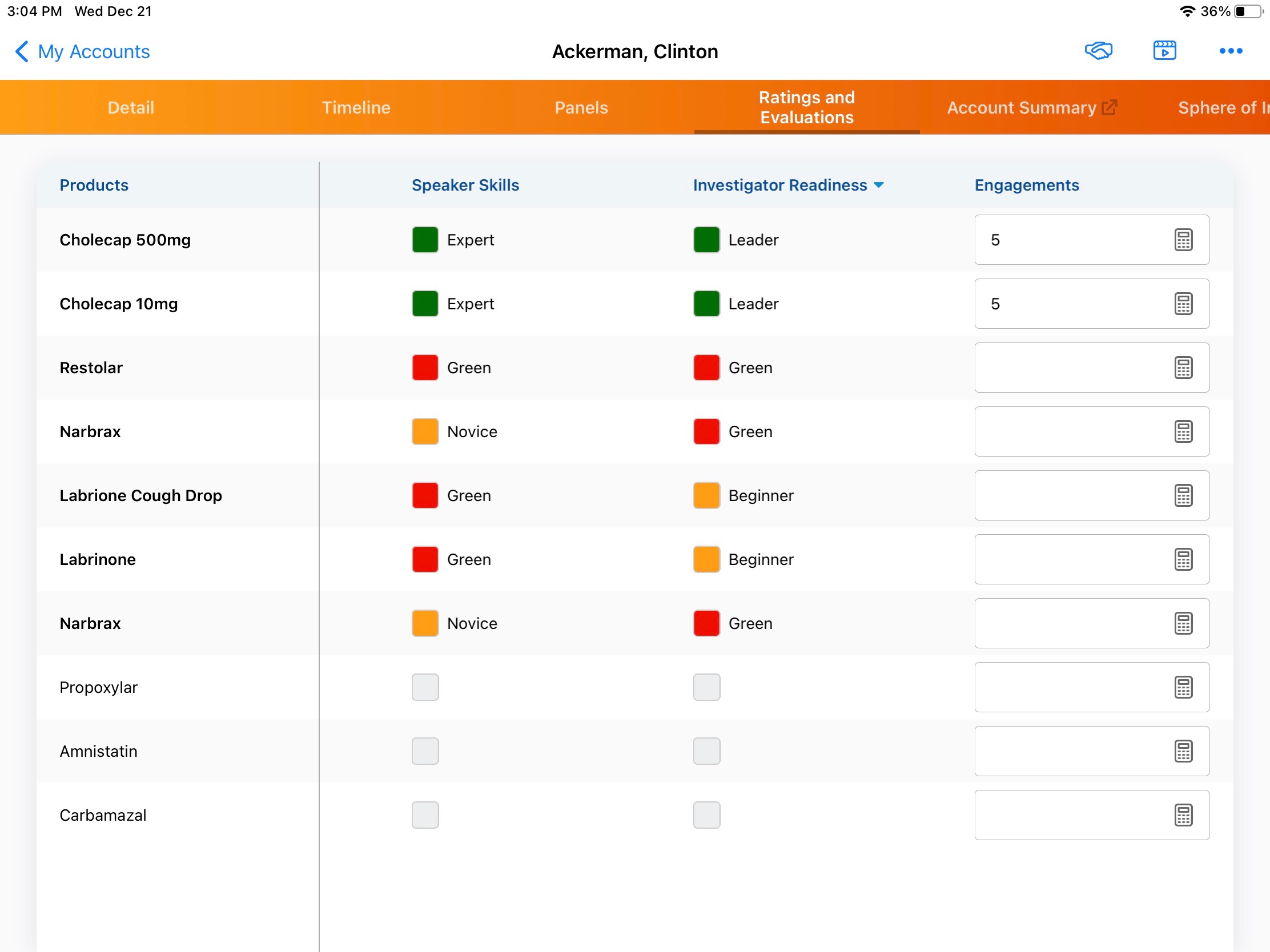
Select an account you're familiar with and go to their Ratings and Evaluations page. Take a look for the following items:
- How many of your company's products are listed?
- How many competitor products are listed?
- If the Speaker Skills metric is shown, which product (or products) is the account rated most qualified to speak about?
- Adjust one of the metrics such as Awareness or Speak Skills.
 Solution