How are Suggestions removed when they’re no longer relevant?
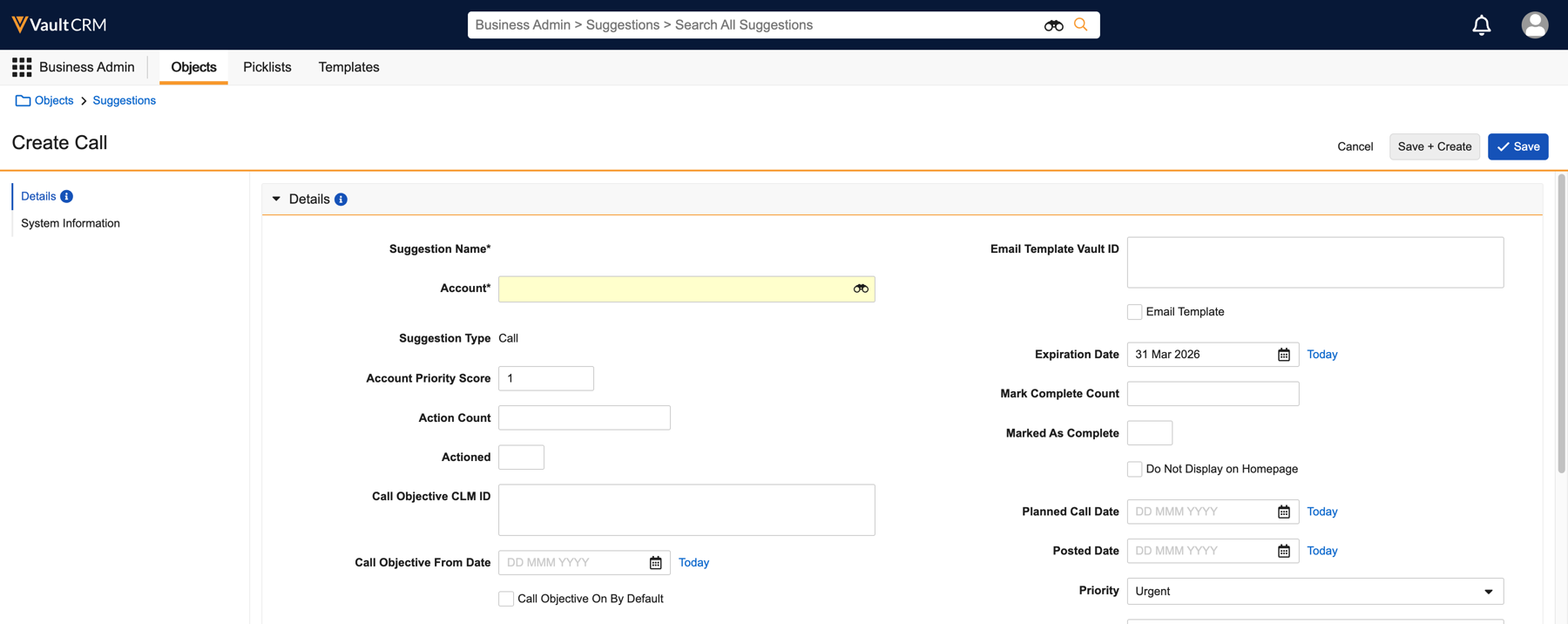
Suggestions can be created with an expiration date to ensure they’re only displayed for a specified amount of time before automatically disappearing. Expiration dates, along with Priority and Account Priority Score fields, can help field users act effectively on time-sensitive opportunities, for example, a marketing campaign or an invitation to an upcoming event, while keeping the list clear of clutter. Additionally, field users can sort Suggestions by Expiration Date or Priority to plan their work.

|
If an expired Suggestion becomes relevant again, for example, a campaign is extended, a business admin can update the Suggestion record with a new expiration date. This Suggestion then displays for the appropriate field users again. |