How does my dictation become a structured Commercial Insight?
Once you select Create Commercial Insight, your Voice Note goes to work. Agentic Insight Capture analyzes the transcribed text and automatically populates key fields on a new Commercial Insight record: the Account, Product, and the Insight text itself.
Account matching depends on where you started dictating. If you launched the Voice Note from an account-specific page, for example Account Detail or a Call Report in view mode, that account is already locked in. If you started from somewhere else, the agent scans your dictation for account names. A single clear match gets populated automatically; no match means the field stays blank for you to fill in; and multiple possible matches display as Suggested Accounts for you to choose from when you open the account selector.
Products work similarly. The agent only captures a Detail Product or Detail Topic when you clearly named it, or something very close to it, in your dictation; it never guesses a product from context alone. When Detail Groups are configured, the agent also pairs the right Detail Product with the right Detail Group automatically, as long as that pairing is unambiguous.
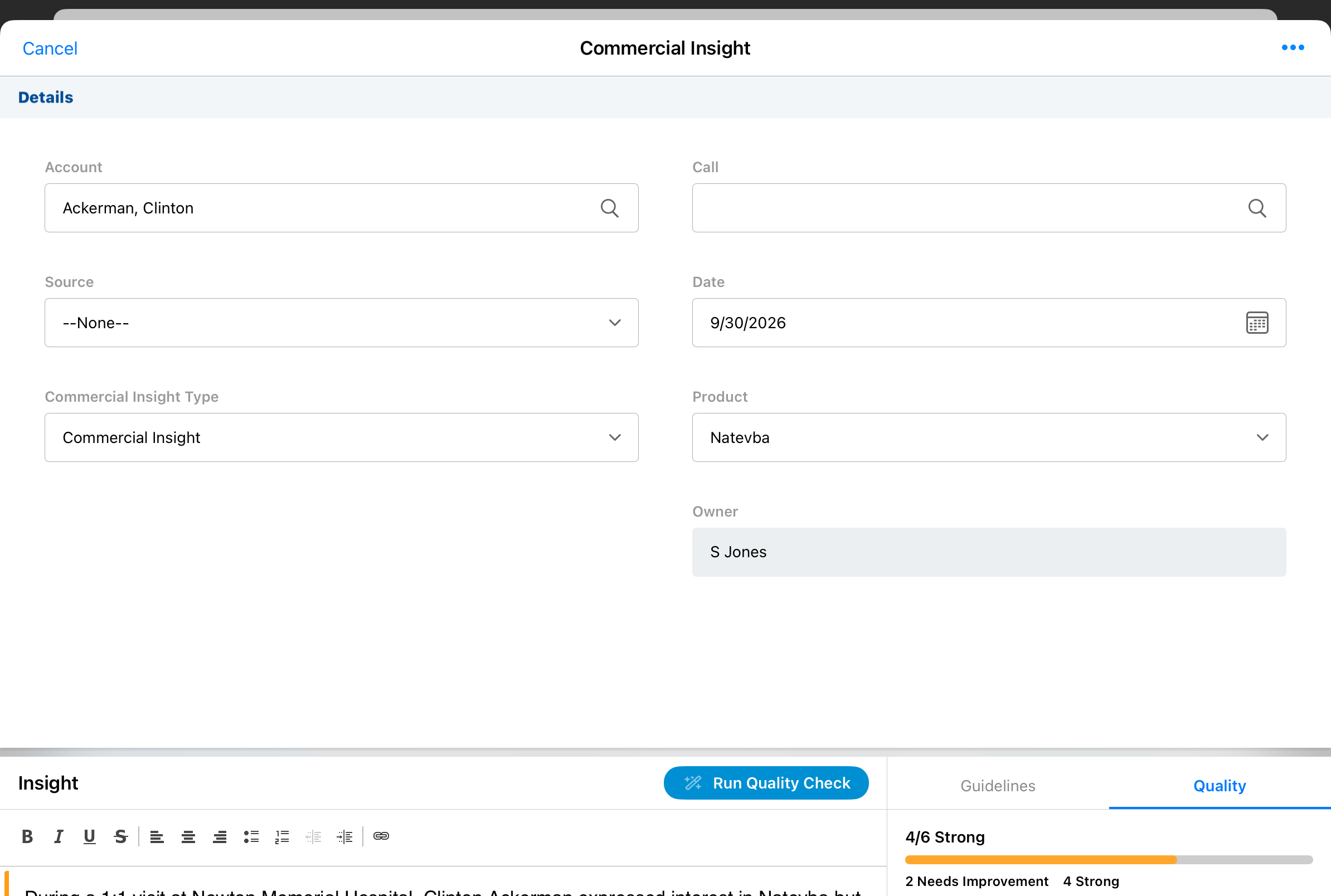
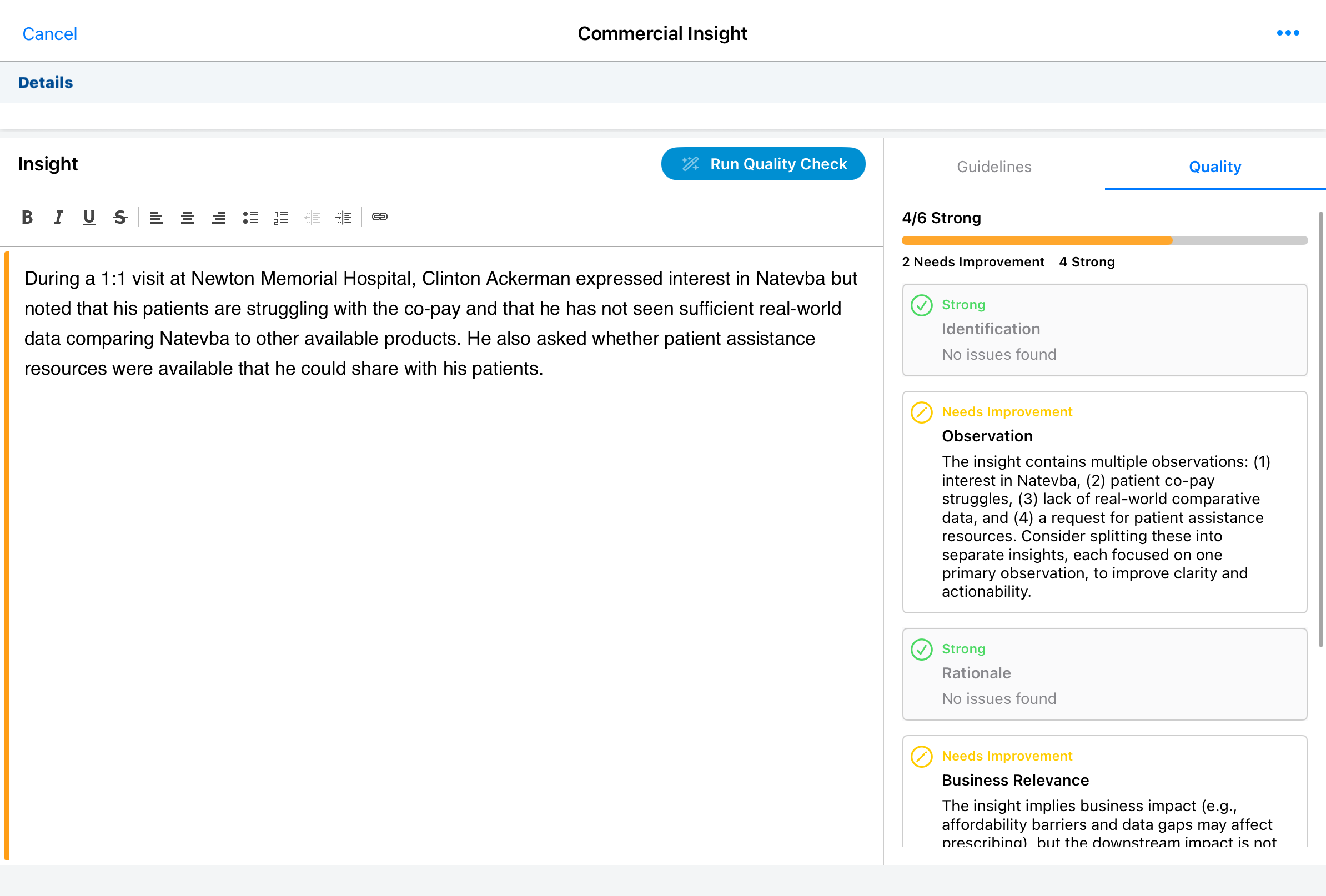
For the Insight text itself, Agentic Insight Capture writes what you said as a clear, third-person observation report, smoothing out filler words and correcting likely mistranscriptions along the way, all without changing what you actually meant. When Agentic Insight Quality is configured, your insight quality is also checked and feedback is displayed alongside the Insight.
This is not the only way to get a Commercial Insight into Vault CRM. If you are already dictating a full Call Voice Note for an Agentic Call Report™, Agentic Insight Capture can pull Commercial Insights out of that same recording automatically, with no separate dictation step at all. The next section walks through that path.