How do I review and submit my Commercial Insight?
Quality feedback is there to guide you, not to block you. Whatever the results of your quality check, you can always continue reviewing, editing, and ultimately saving or submitting your Commercial Insight.
Before you submit, take a moment to review every field the agent populated: the Account, any Detail Products, and the Insight text. Make any edits directly on the record, just as you would with any other field.
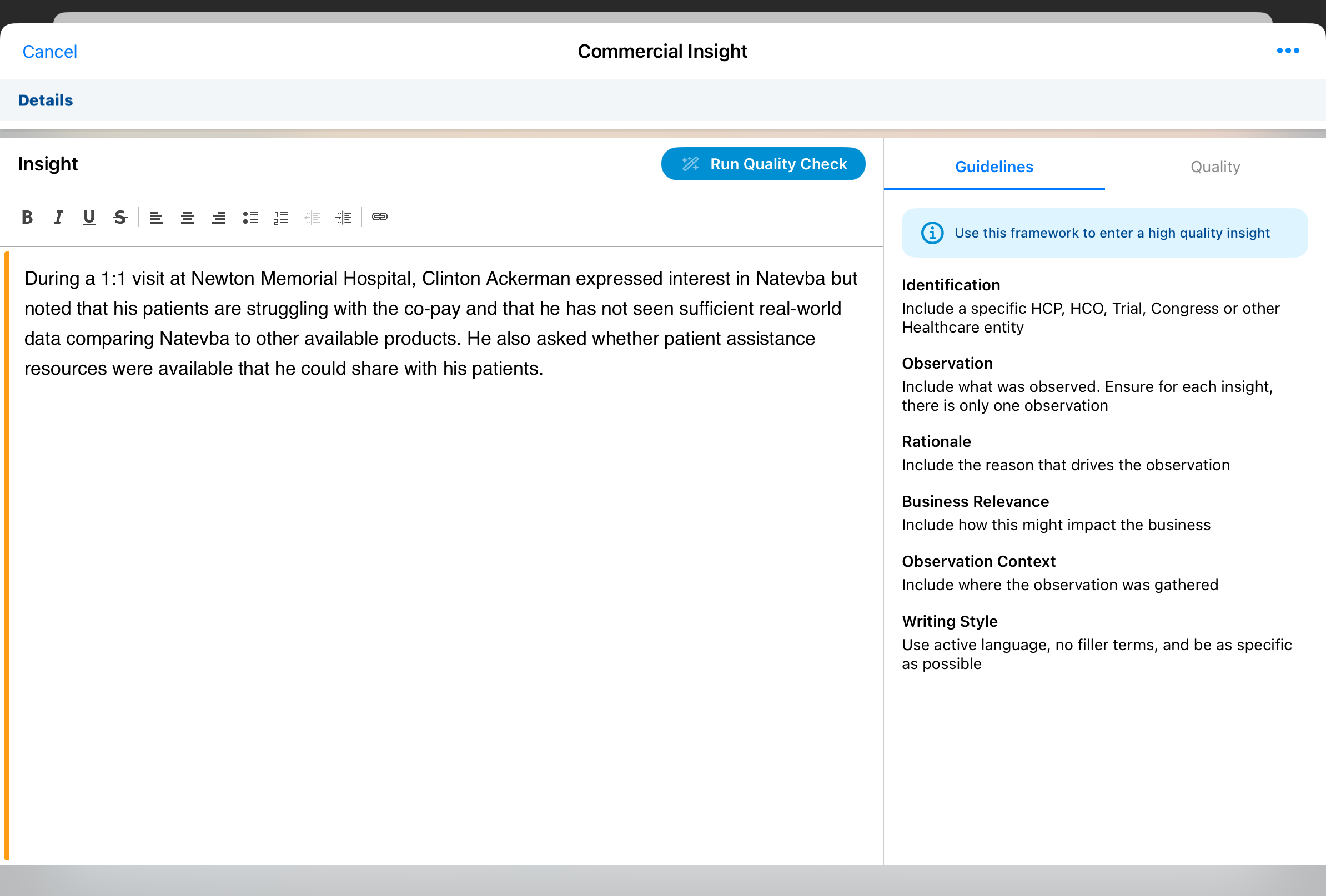
Until you submit, the original Voice Note is still available if you want to double-check what you actually said. Open the All Actions menu and select View Commercial Insight Voice Note to hear the audio and read the original transcript side by side with your edited text.
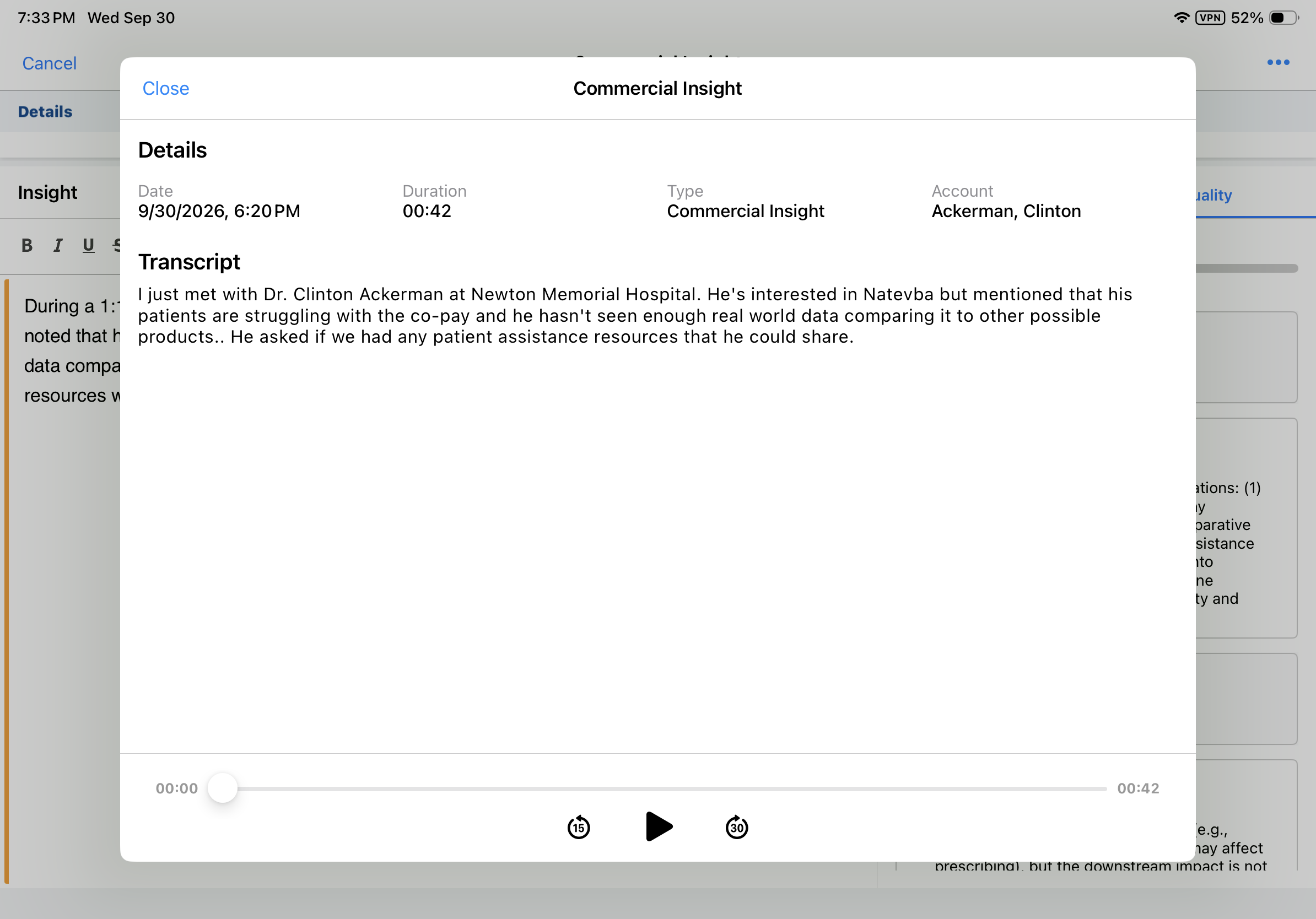
When you are satisfied, select Save to keep working later, or Submit to finalize the record. For compliance and data privacy, the original Voice Note audio and transcript are permanently deleted the moment you submit, so this is your last chance to reference the original recording.

|
When you submit a call report with Commercial Insights, every Commercial Insight on the call report is submitted. |