How can I discover daily priorities and search for target accounts?
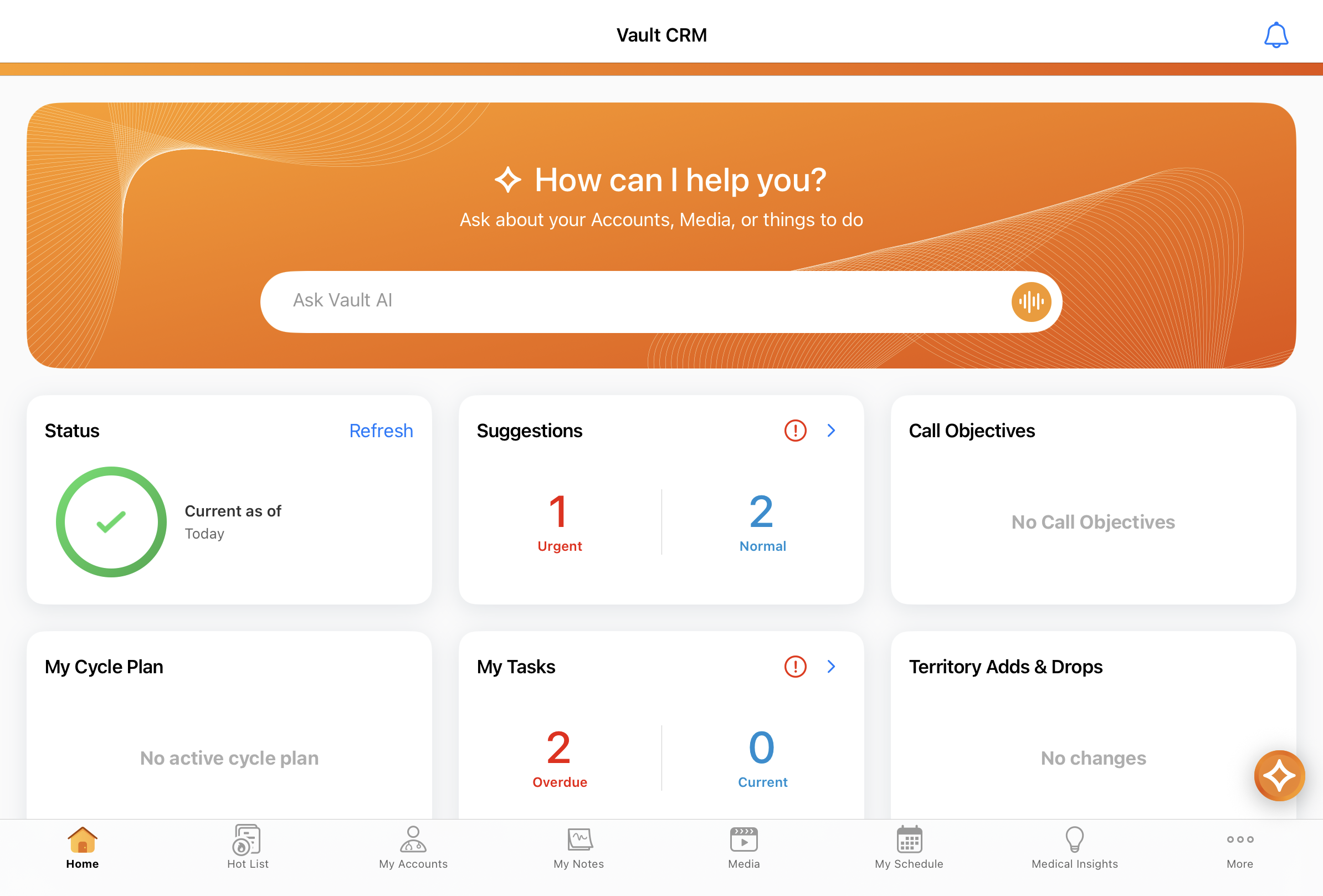
Let’s say you start the work day by opening Vault CRM on an iPad. You can initiate a conversation by entering a request from the Agentic Home Screen or selecting the AI icon from supported pages. To establish a baseline of high-priority actions for the day, type a request into the input box, select the AI icon, or select the Wavelength icon on the input box to enter Voice Mode.
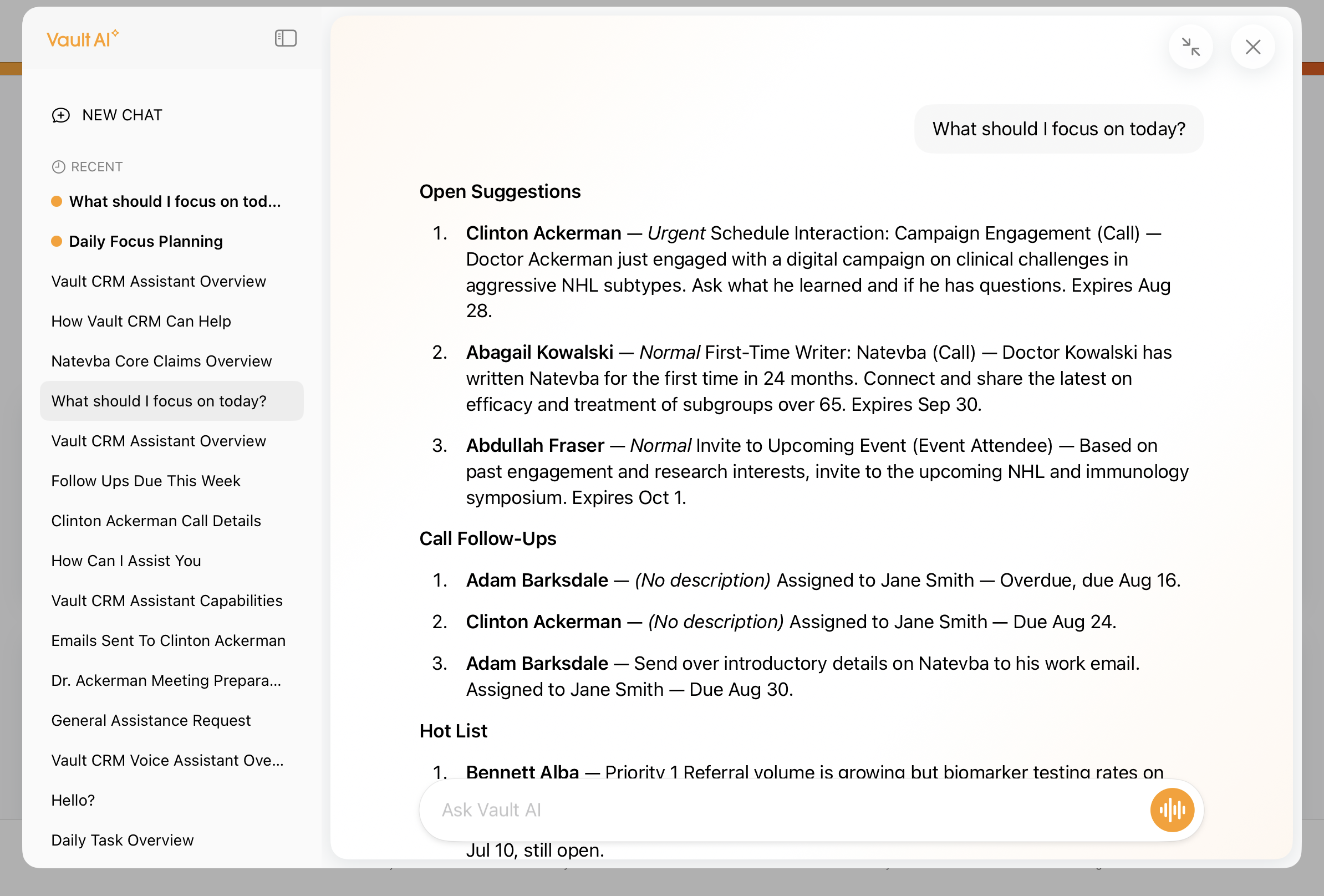
Entering a broad question like "What should I focus on today?" prompts Conversational AI to review your available data and return an actionable summary customized to your assigned accounts, utilizing Account Hot Lists, Suggestions, and Call Follow-up Activities to prioritize next steps. If you switch the conversation thread before getting a response, an orange circle displays next to the original conversation name to signal a ready answer.
Next, drill deeper with targeted questions about next steps, for example, "Which suggestions are expiring this week?" or "Which of my target list accounts also have open suggestions?".
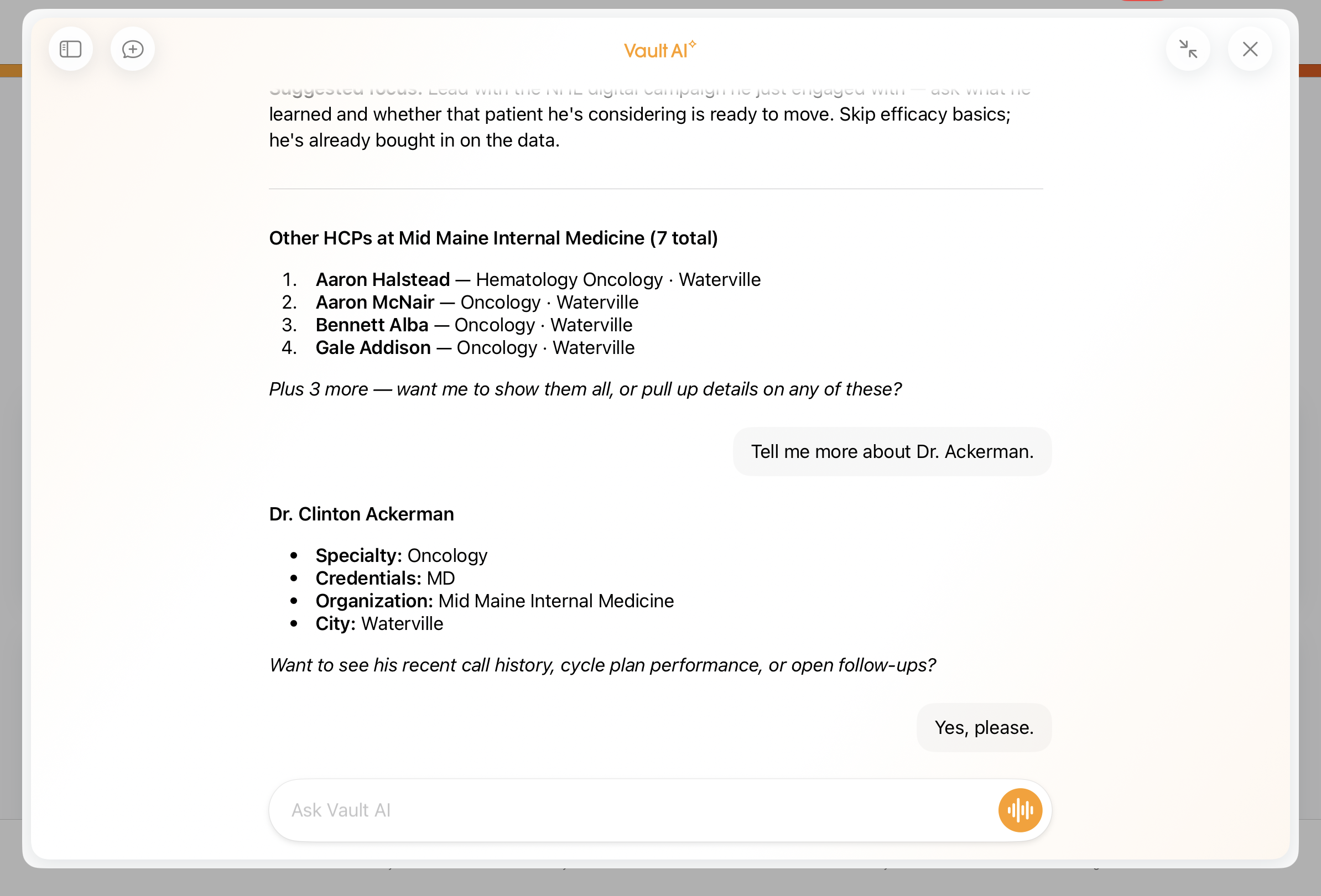
To locate a specific professional in the territory using the account search capability, enter a request like: "Find Dr. Ackerman at Newton Memorial." Conversational AI searches the assigned data to find matching records. If multiple potential accounts match the request, the AI responds with a list of up to five accounts and asks for clarification.
To expand the field footprint and uncover other potential customer contacts at the same location, ask a follow-up question: "Are there any other HCPs at the same hospital?". The agent immediately scans the database and displays the related professionals at that specific primary parent location. You can continue to drill deeper on each HCP.
Voice Mode
Users can activate Voice Mode by selecting the audio (wavelength) icon to the right of the input box for a two-way voice conversation with the agent. Speak requests clearly once the listening status displays. The AI responds after a pause of 1.5 seconds or greater, providing a natural audio response.