How can I use Agentic Voice for Medical Insights?
Agentic Voice isn't just for field users. If you're a Medical Science Liaison (MSL), Agentic Voice supports a workflow that's distinct from a standard field visit — and just as important to capture accurately. Where a field user is documenting product discussions and follow-up commitments, an MSL is capturing nuanced scientific exchange: unsolicited observations, clinical questions, and real-world practice insights that can be difficult to reconstruct from memory. Agentic Voice gives MSLs the same in-the-moment capture advantage.
Recording a Medical Insight Voice Note
Larry, an MSL, is wrapping up a conversation with Dr. Adamson. Dr. Adamson has been prescribing Restolar for his moderate-to-severe COPD patients and wanted to share some informal observations from his practice. It's exactly the kind of unsolicited field insight that Larry's organization needs documented—and the kind that's easy to lose in a busy afternoon if it isn't captured right away.
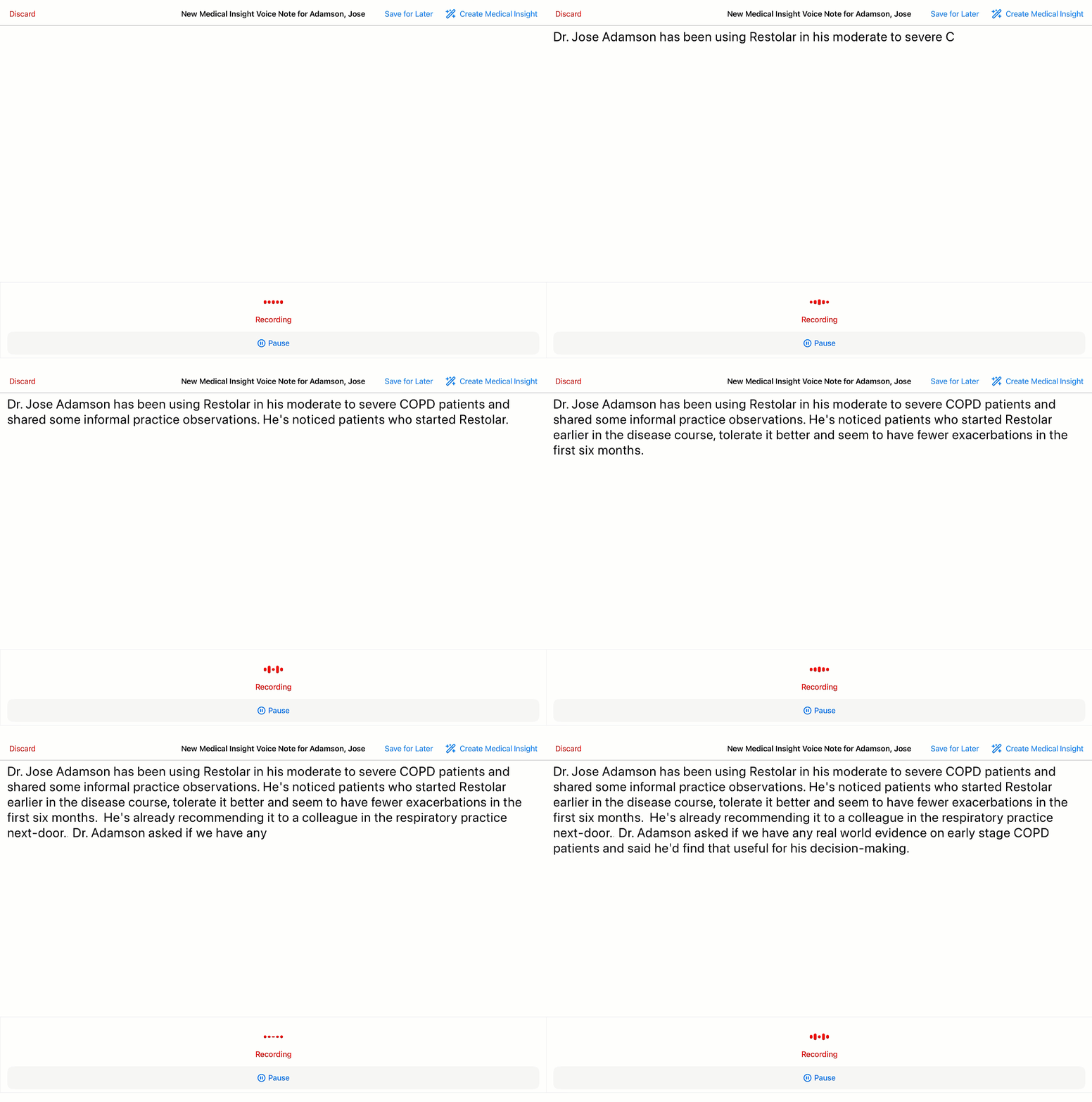
Larry is already on Dr. Adamson's Account Detail page. He long-presses the AI icon and selects Dictate Medical Insight. Dr. Adamson's account is automatically associated with the Voice Note. He could also use Siri ("Create a Medical Insight in Vault CRM") or the Plus icon in My Notes to start recording.
Larry speaks:
"Dr. Jose Adamson has been using Restolar in his moderate-to-severe COPD patients and shared some informal practice observations. He's noticed patients who started Restolar earlier in the disease course tolerate it better and seem to have fewer exacerbations in the first six months. He's already recommending it to a colleague in the respiratory practice next door. Dr. Adamson asked if we have any real-world evidence on early-stage COPD patients and said he'd find that useful for his decision-making."
Creating the Medical Insight
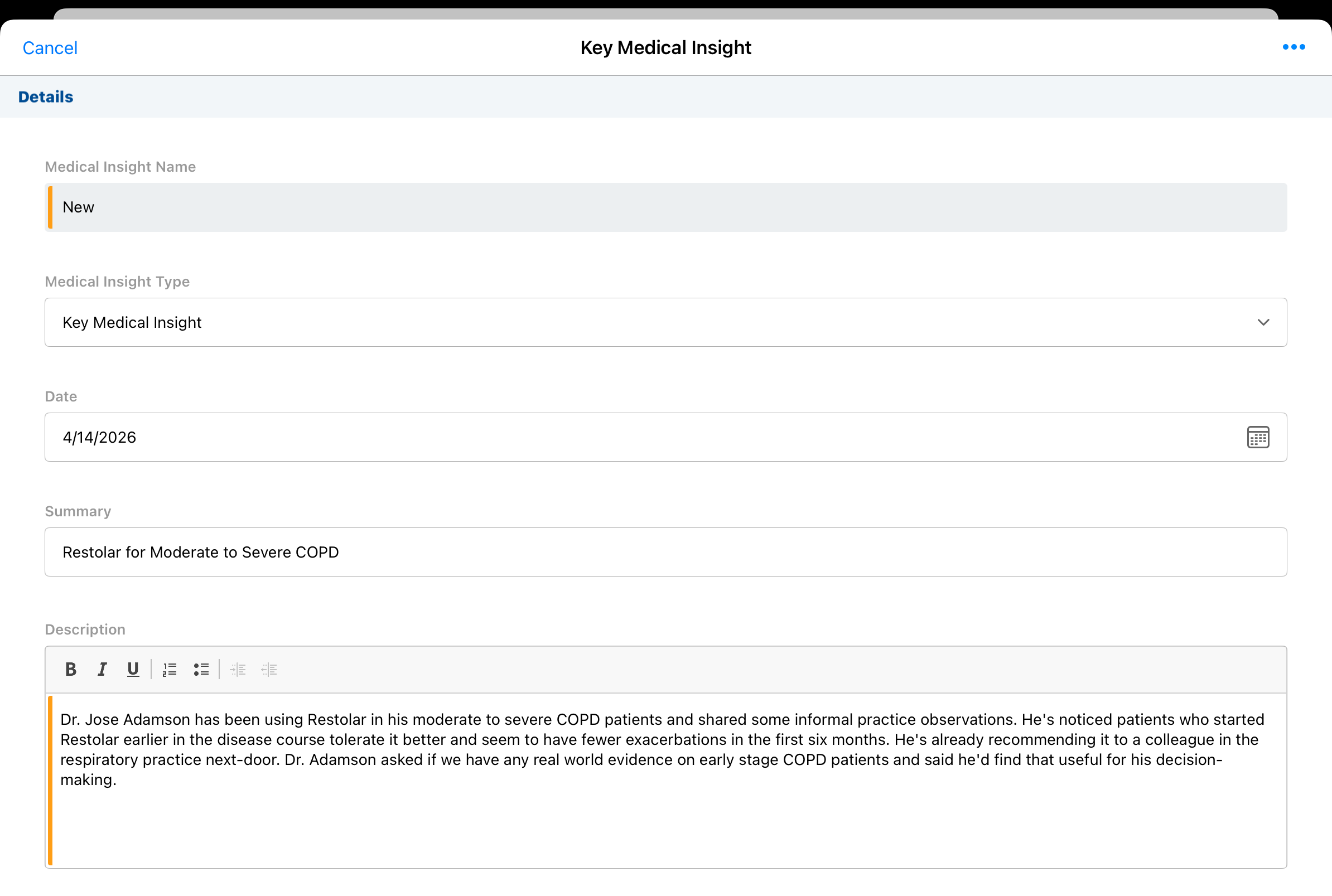
Larry selects Create Medical Insight. A new record opens with the full transcript pre-populated in the Description field and Dr. Adamson's account already associated. Larry can edit the Description field directly to add context or clarify any detail before submitting.
Reviewing and Submitting
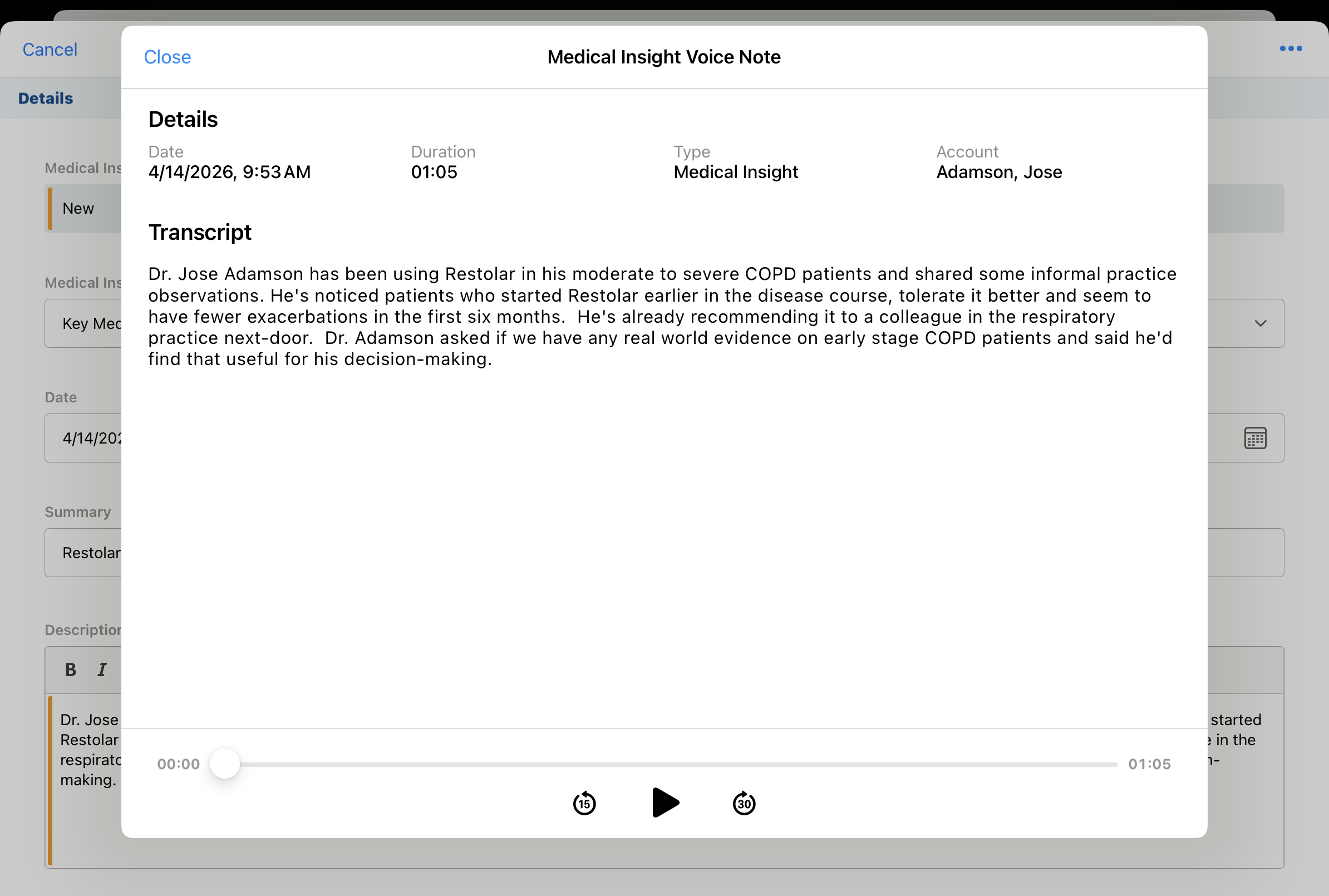
Before submitting, Larry selects View Medical Insights Voice Note from the All Actions menu to replay his recording and confirm he captured Dr. Adamson's comments accurately.
Satisfied, he submits the Medical Insight.