How do I manage my Voice Notes?
Not every Voice Note gets processed the moment it's recorded. Sometimes field users are moving between back-to-back appointments. Sometimes they're offline. Sometimes they simply prefer to batch their recordings at the end of the day and process them all at once. That's what the Save for Later option is for—and My Notes is where those recordings live until they're ready to be converted.
The My Notes Tab
Sarah opens the My Notes tab from her navigation bar. She sees a list of all Voice Notes that haven't yet been converted to records. Each row shows the first two lines of the transcript, the Voice Note type, any associated accounts, and the creation date. The list sorts by most recent by default, and Sarah can select any column header to re-sort.
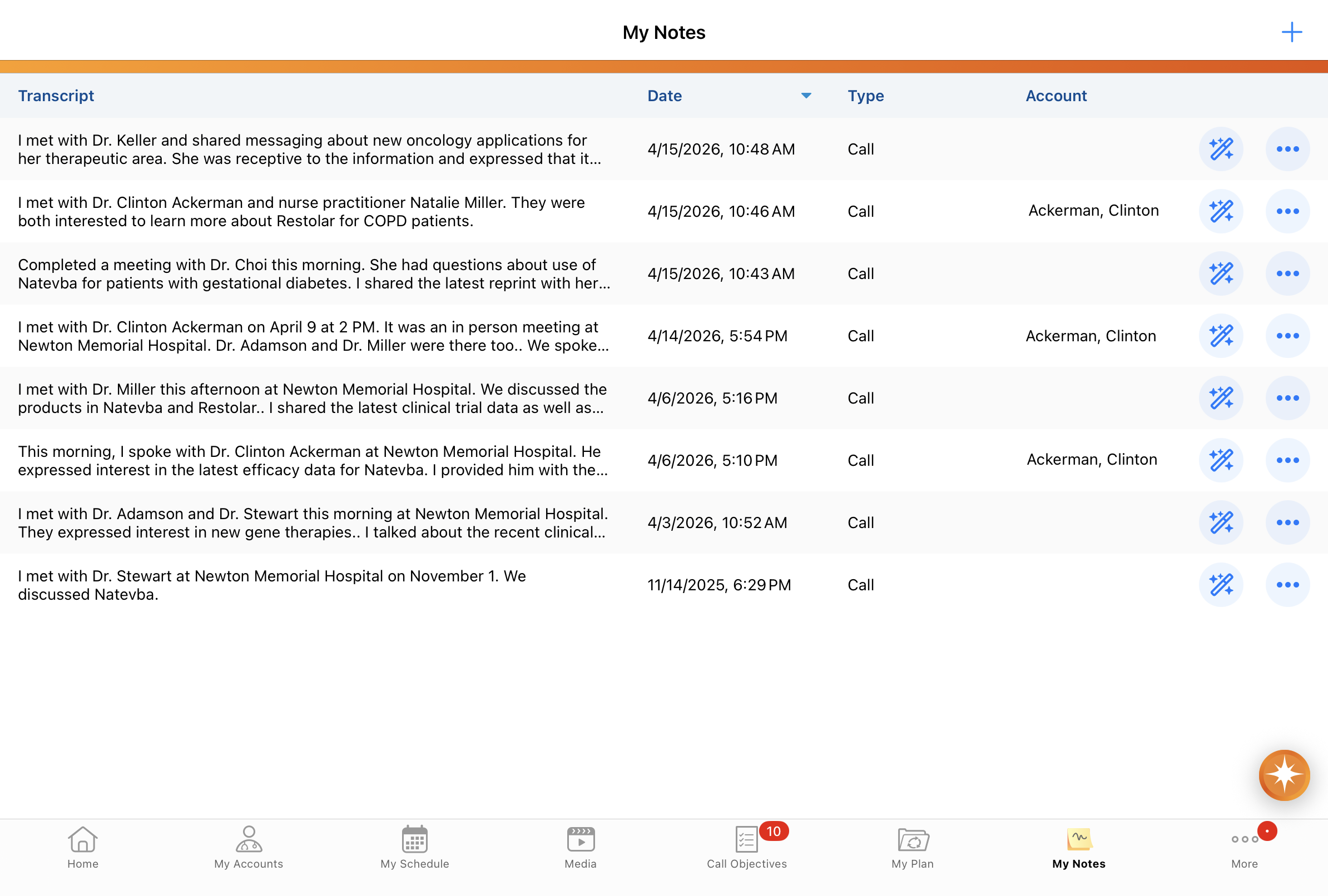
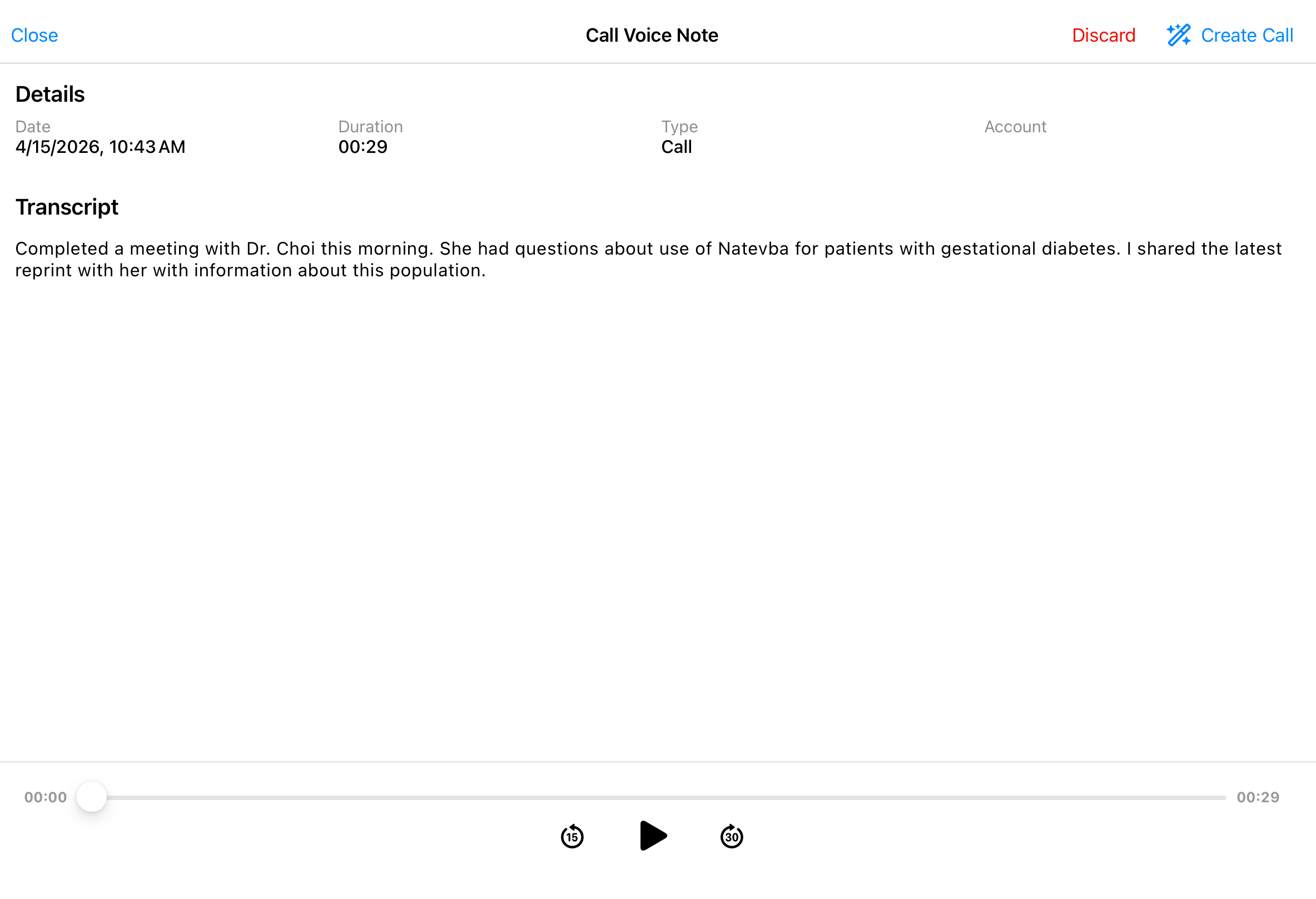
If she wants the full picture, she taps the Voice Note itself, which opens a detail page showing the complete transcript, duration, creation date and time, and any associated accounts.
Converting a Voice Note
Sarah has two ways to convert a saved Voice Note into a record:
- From the list of Voice Note recordings, select the Wand icon on the Voice Note row
- From the Voice Note detail page, select the Create button
Either way, Agentic Voice processes the transcript and opens a pre-populated record for review. Once converted, the Voice Note is removed from My Notes.
Deleting a Voice Note
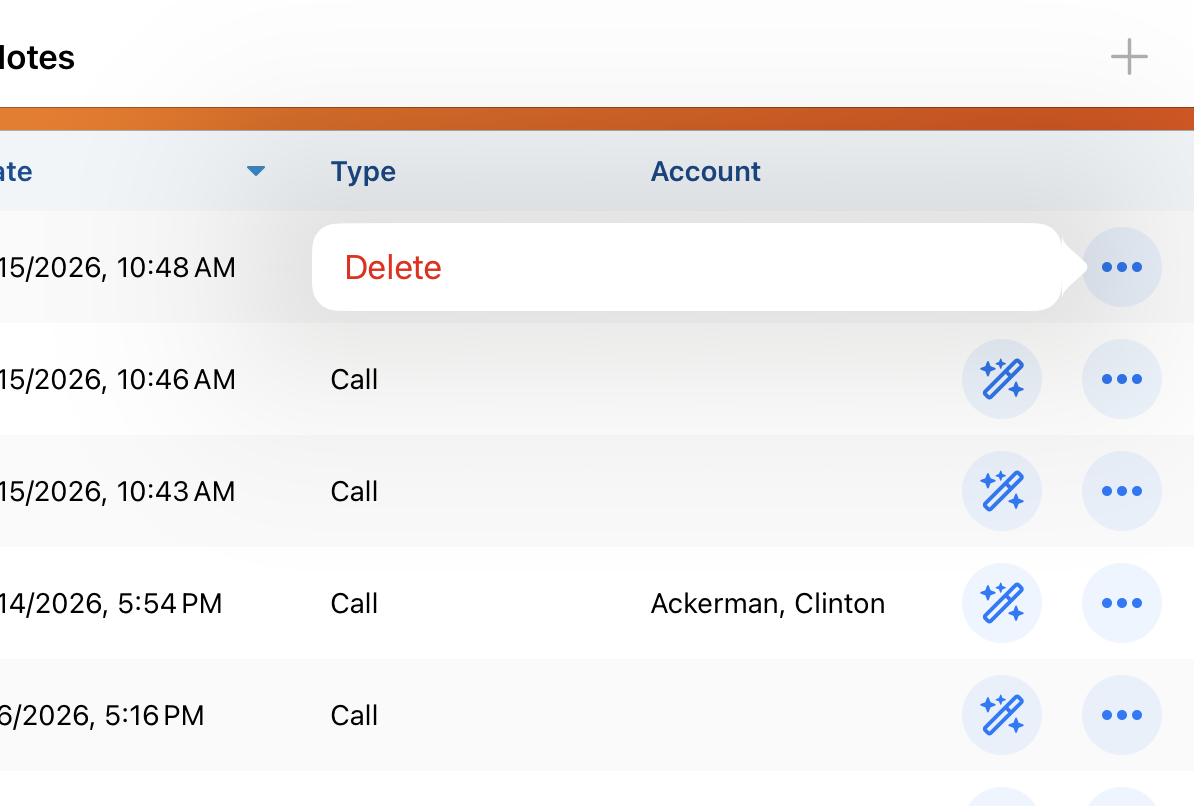
To delete a Voice Note, Sarah selects the All Actions menu, then Delete, and confirms the deletion. The audio and transcript are permanently deleted. Sarah only does this when she's certain the recording is no longer needed.
Call Voice Notes in My Schedule
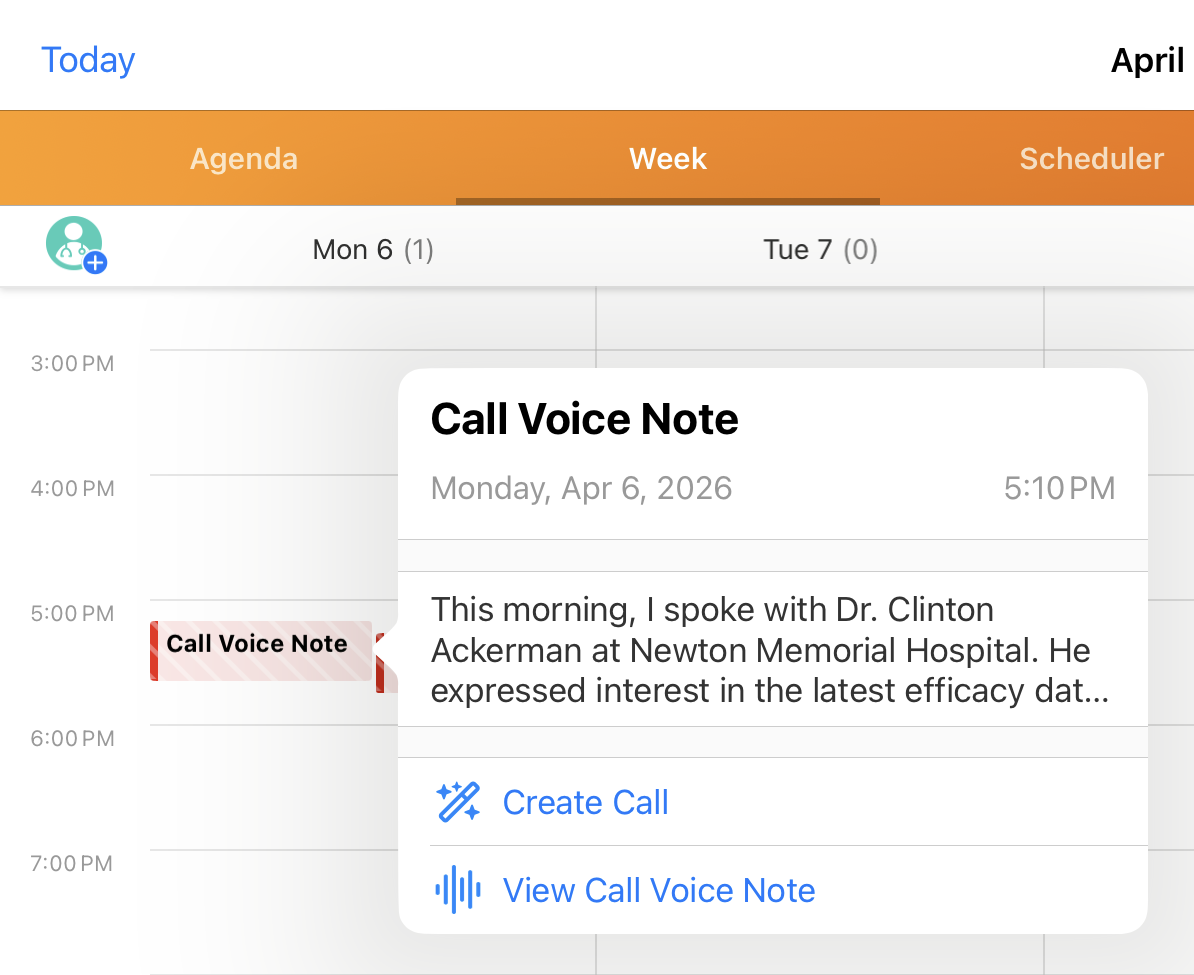
Saved Call Voice Notes also display in Sarah's My Schedule views—both Agenda and Week—as red-striped 30-minute entries, timestamped to when they were created. From My Schedule, she can create a record or open the Call Voice Note, where options to access audio playback or discard the Voice Note display.

|
A note on device storage: Saved Voice Notes are stored locally on the user’s device. They don't sync to the Browser platform or to other devices, but they do persist through database refreshes. |