How do I preview a Business Portal?
Once the deployment completes successfully and the Business Portal status is Published, the person requesting the Business Portal, usually a KAM or business analyst, can preview it ensure it looks exactly like they want it to display for Business Portal users.
To preview a published Business Portal:
-
Log into Vault CRM.
-
Navigate to the appropriate record.
-
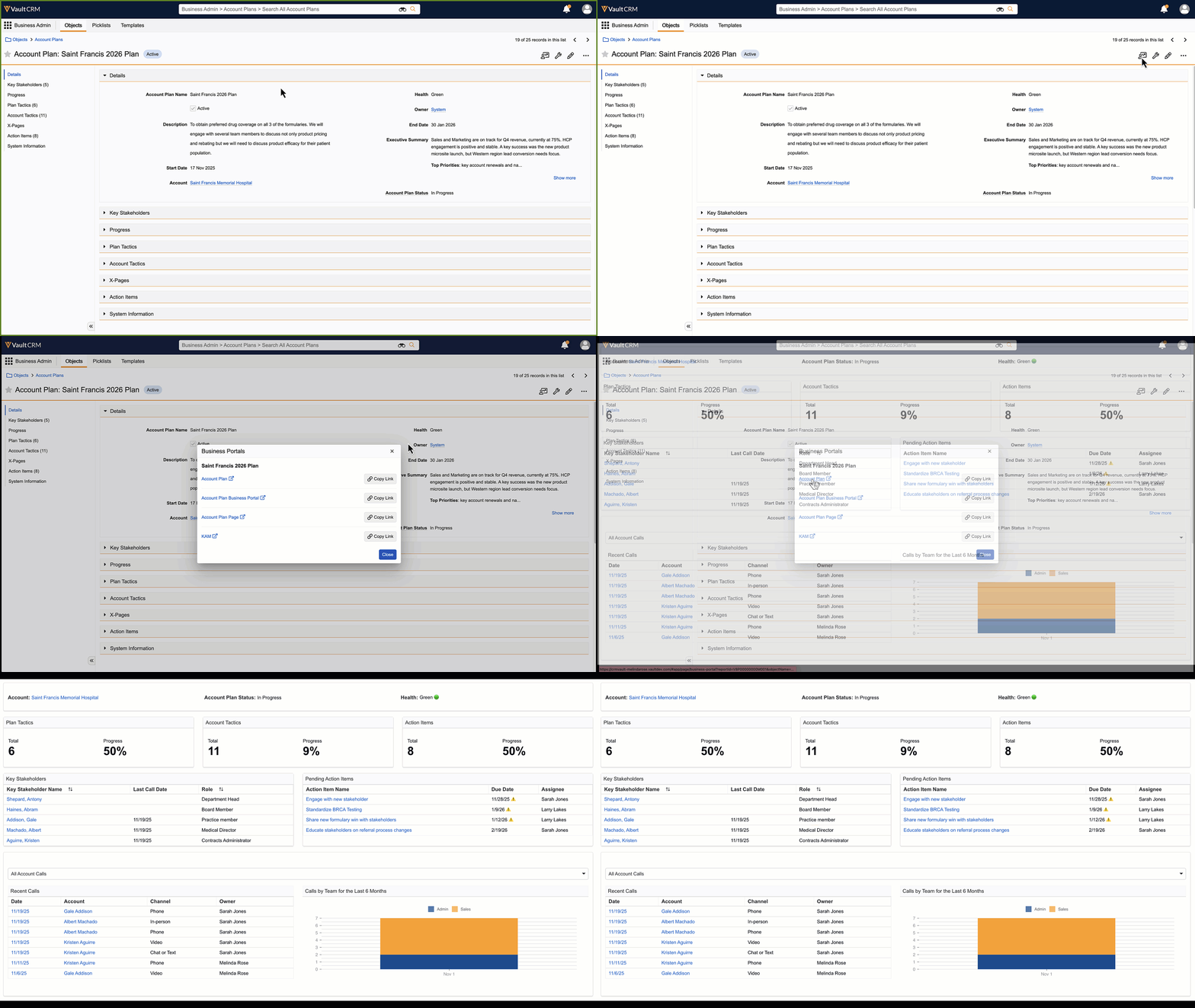
Select the Business Portals icon.
-
Select the name of an available Business Portal to display it in a new browser tab.
-
Close the browser tab when you are finished previewing.