How do I share a Business Portal?
Once you've previewed the Business Portal and it looks the way you expected, copy the shareable link:
-
Log into Vault CRM.
-
Navigate to the appropriate record.
-
Select the All Actions menu.
-
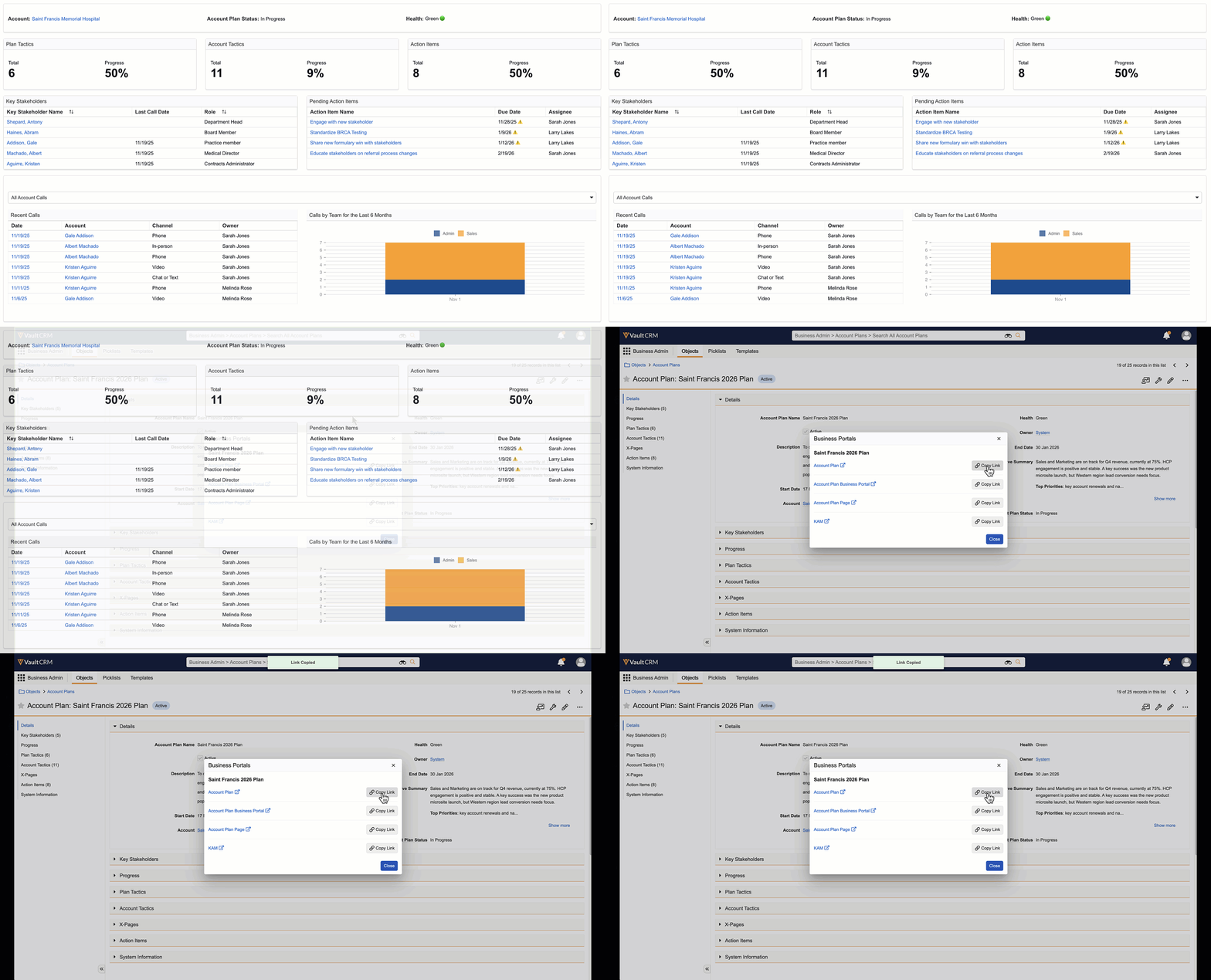
Select Business Portals.
- Select Copy Link for the appropriate Business Portal. The Business Portal link is copied to your clipboard.
Share the link using any available method, for example, chat, email, or as an embedded link in a shared document.