How do I request more samples when my supply runs low?
You can review your sample allotments in Vault CRM using the My Samples page and request additional samples and promotional items when you run low on any particular item. Whether your request is filled or not does depend on how much of your allotment remains.
To create a sample lot request, select Add Sample Lot on My Samples page.
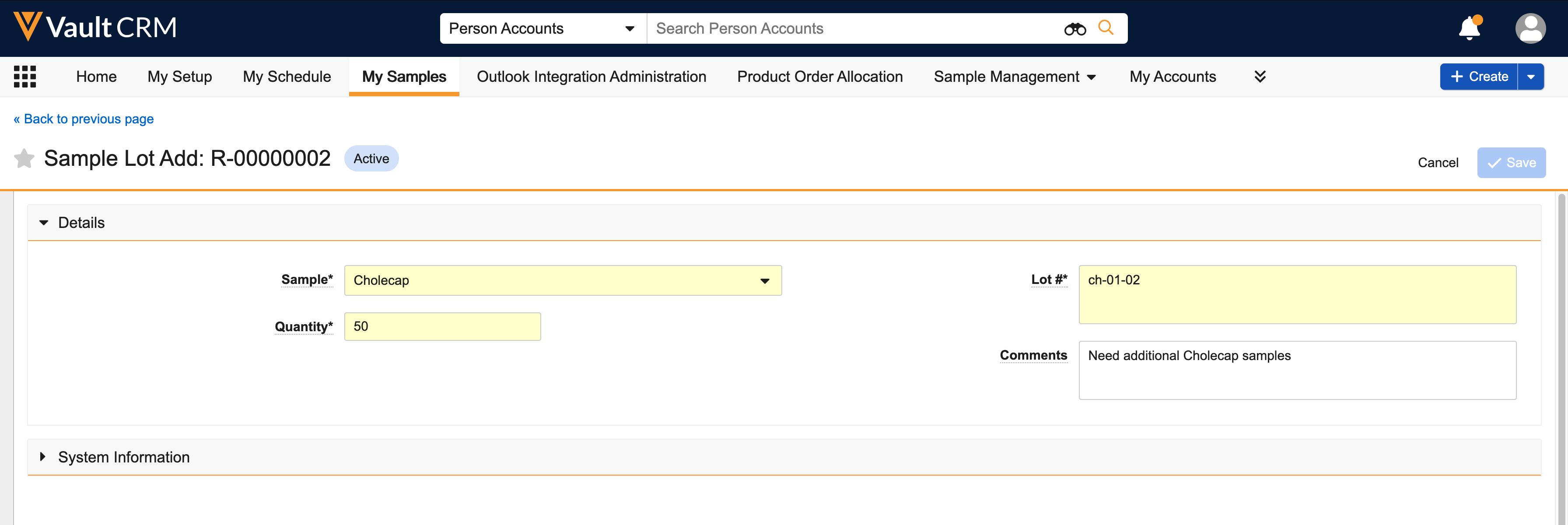
Once submitted, the request is sent to a sample distributor or fulfillment vendor who prepares the sample shipment. A sample admin then creates the requested sample lot records and assigns them to you.

|
Need a refresher on the My Samples page? Take a look at the My Samples section in this topic: What are the components of Sampling? |
Another option to receive more samples and promotional items is to accept a transfer from another rep's allotment. We'll cover sample lot transfers next.